
- 01
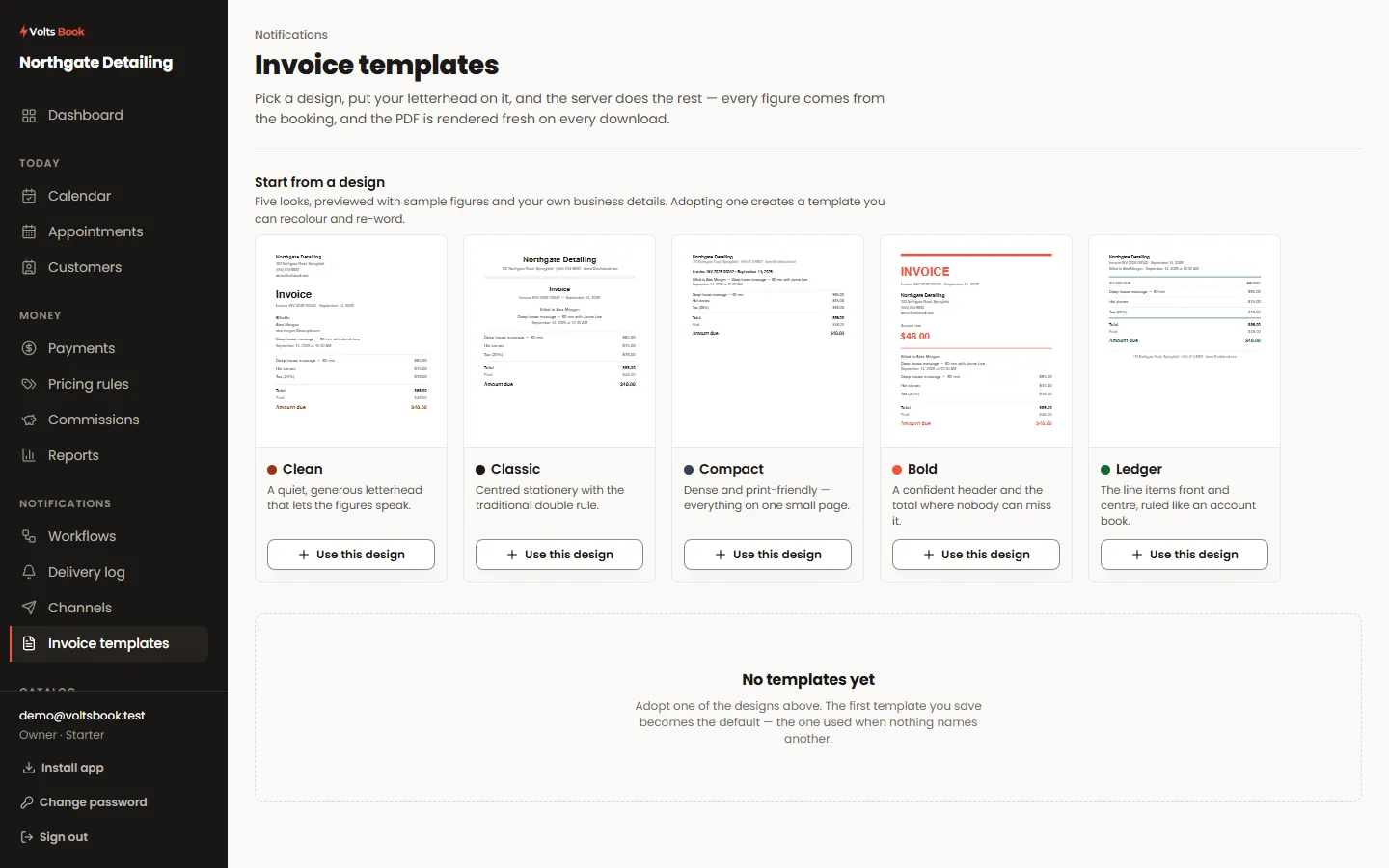
Pick a design
Five layouts, each previewed with your own details rather than a stock sample. Choose an accent colour, add your logo, and set the business details that print in the header.
- 02
Numbering
Invoices are numbered in sequence and the number is printed on the document. The sequence is yours and continues from wherever you set it, which matters if you are moving from another system mid-year.
- 03
Sending one
The payment window on any appointment generates the PDF on demand and can email it. The figures come from the booking’s own price lines, so an invoice can never disagree with what was charged.
Worth knowing
- Generating an invoice is what creates it — there is no separate "create invoice" step to forget.
- The document is rendered fresh from the record each time, so a re-download years later still looks right.
