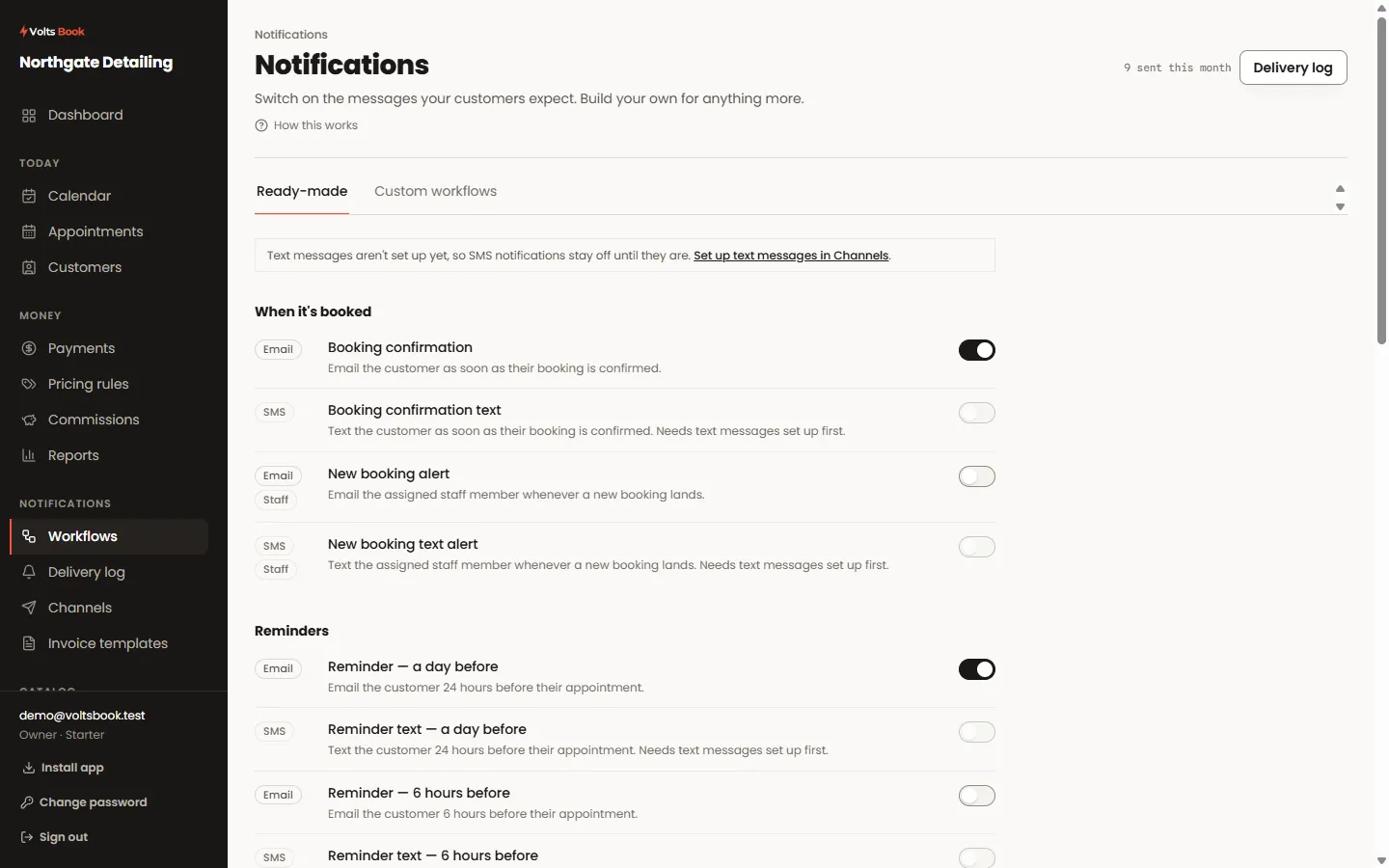
Guide Using VoltsBook
Every topic names the screen it teaches, so you can read with one hand and click with the other. The little ⓘ marks inside the panel land on these same pages.
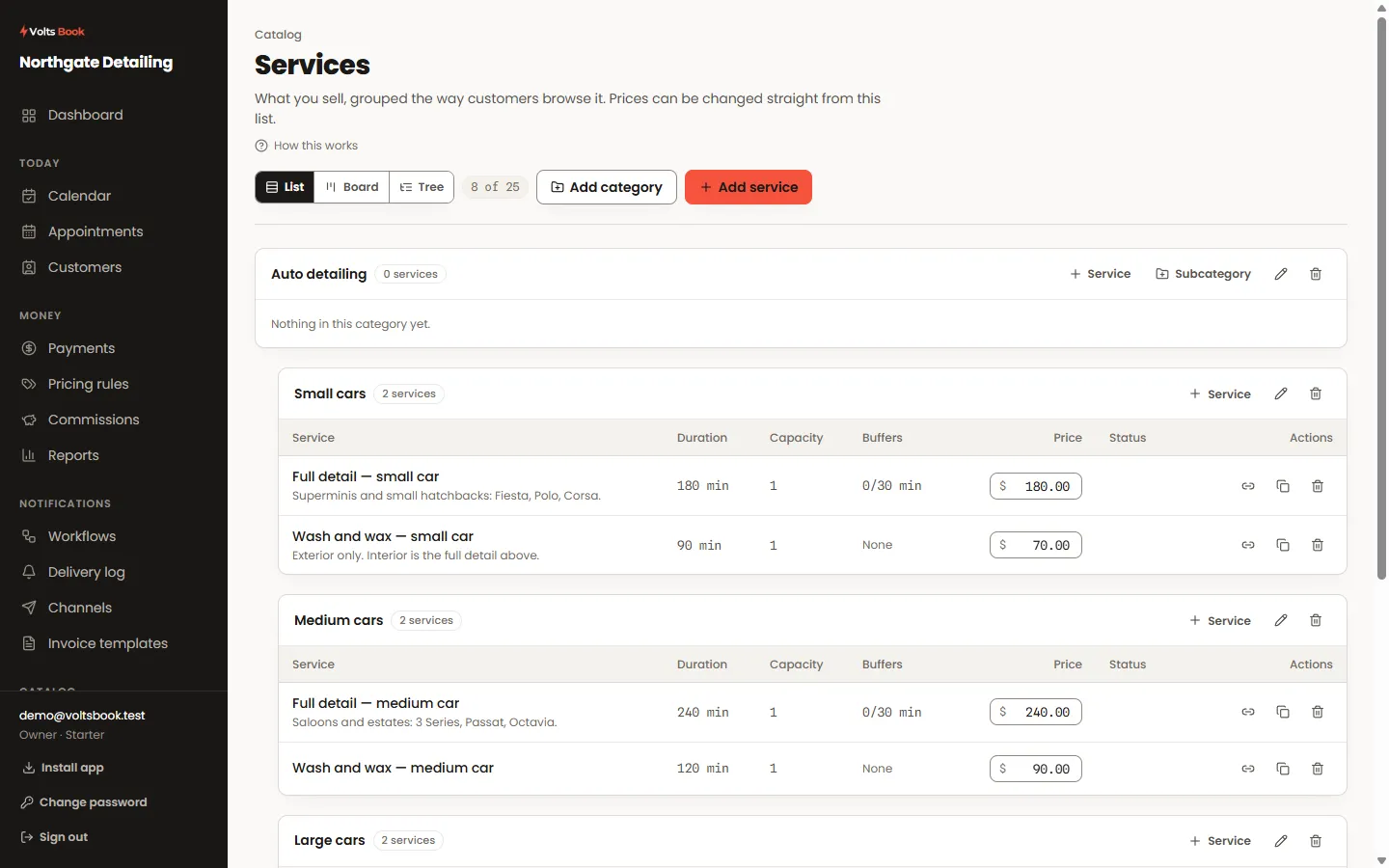
Services
Your service list is the menu your booking page offers, so everything here — the price, the duration, the buffers — decides what customers can actually book.
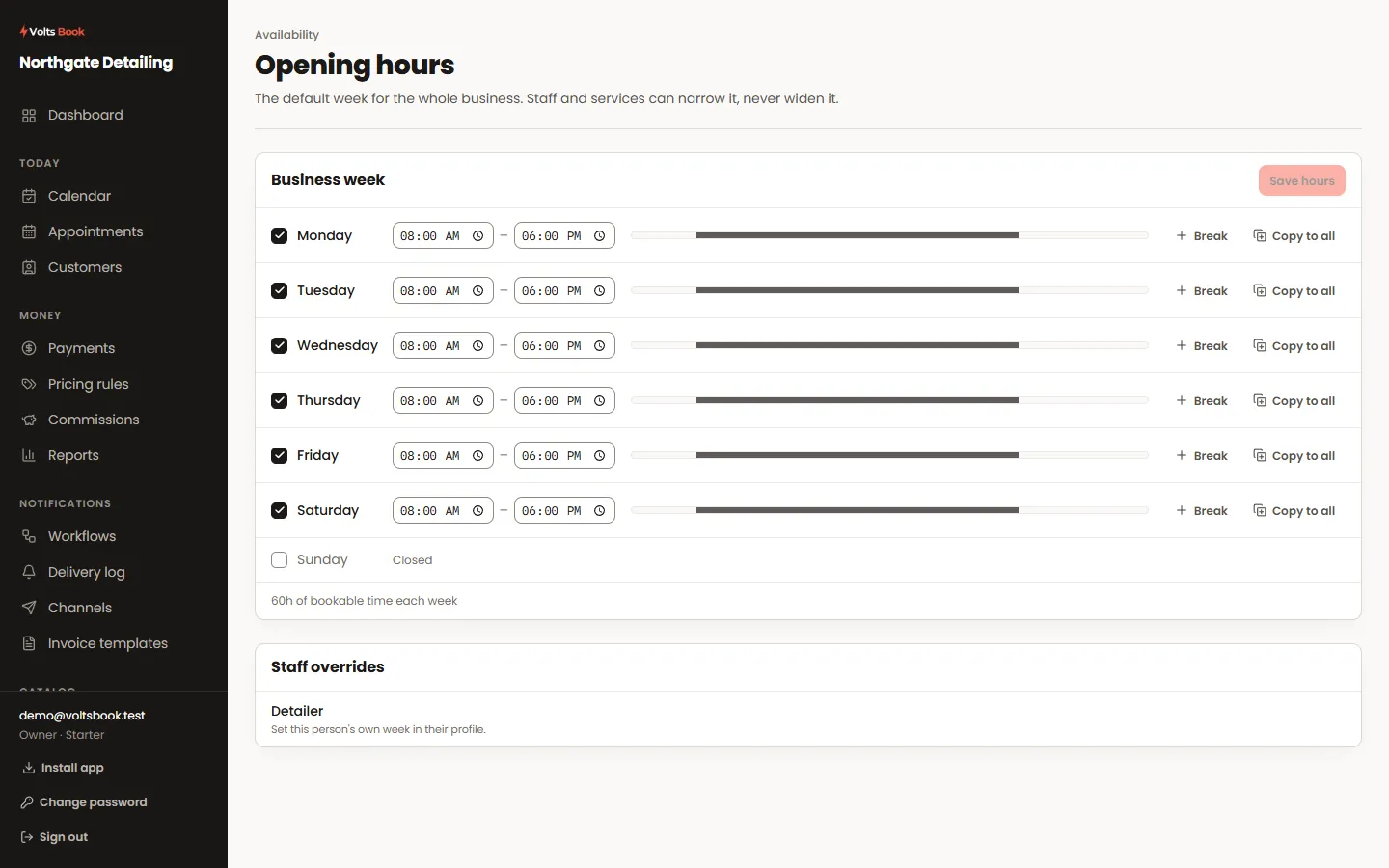
Availability
Three layers decide when you can be booked: the weekly schedule, whole days off, and blocked stretches inside a day. They stack — the most specific wins.
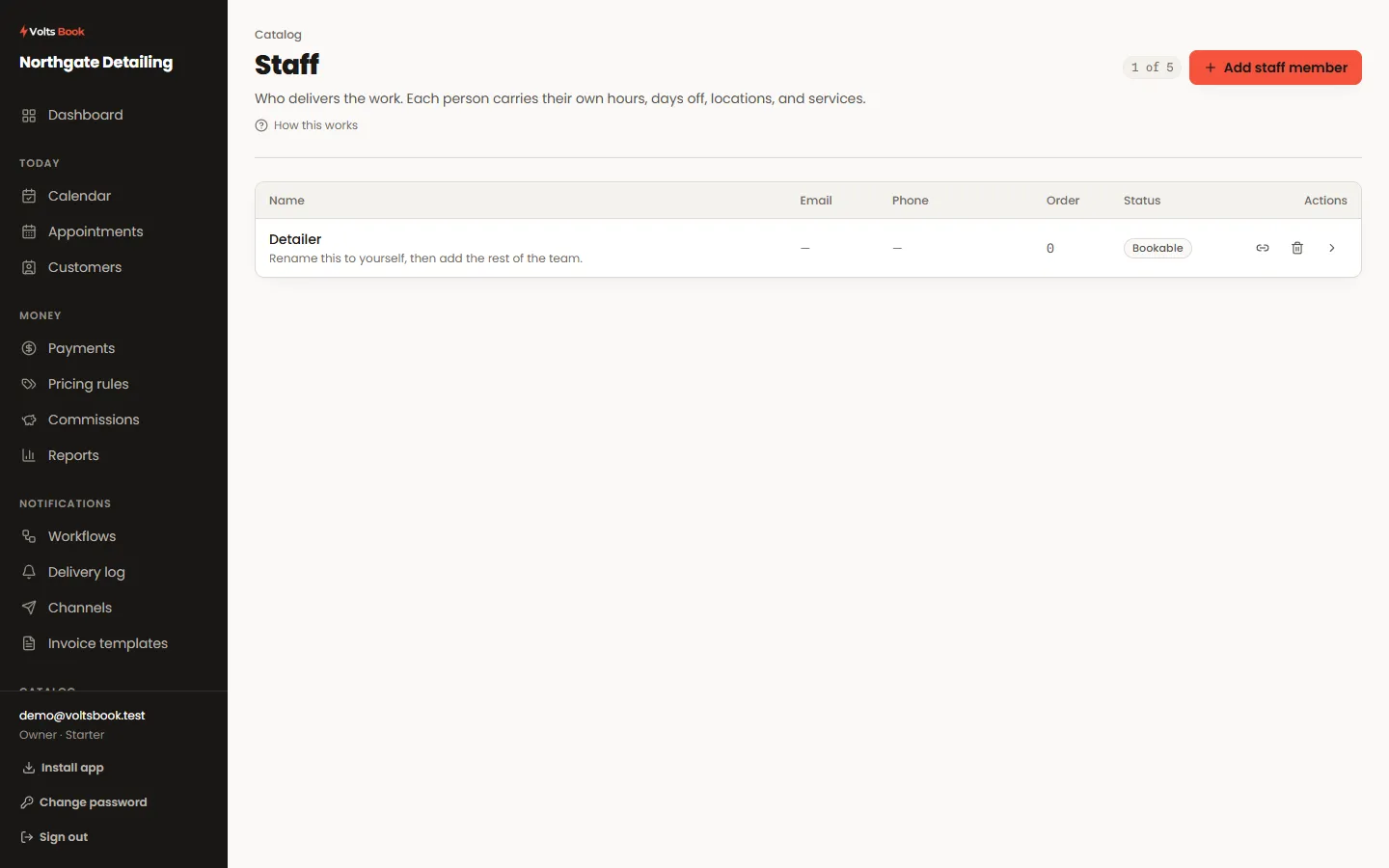
Staff
A staff member is who delivers the work; a login is how they sign in; permissions decide what a login can see and touch. The three are separate on purpose.
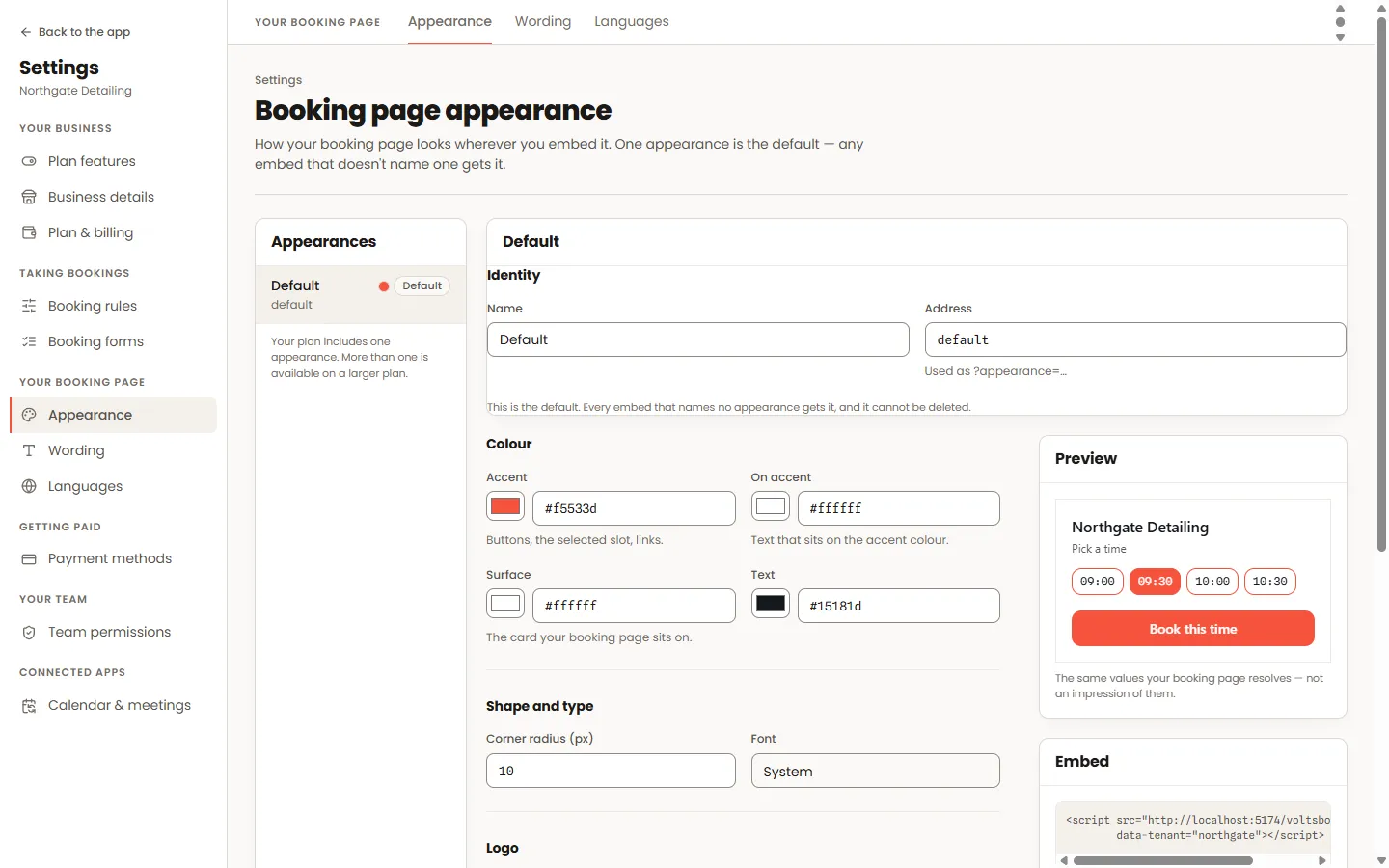
Overview · Settings → Appearance
Every business gets a booking page at its own address the day it signs up. Share the link, embed it in a site, and shape which steps customers walk through.
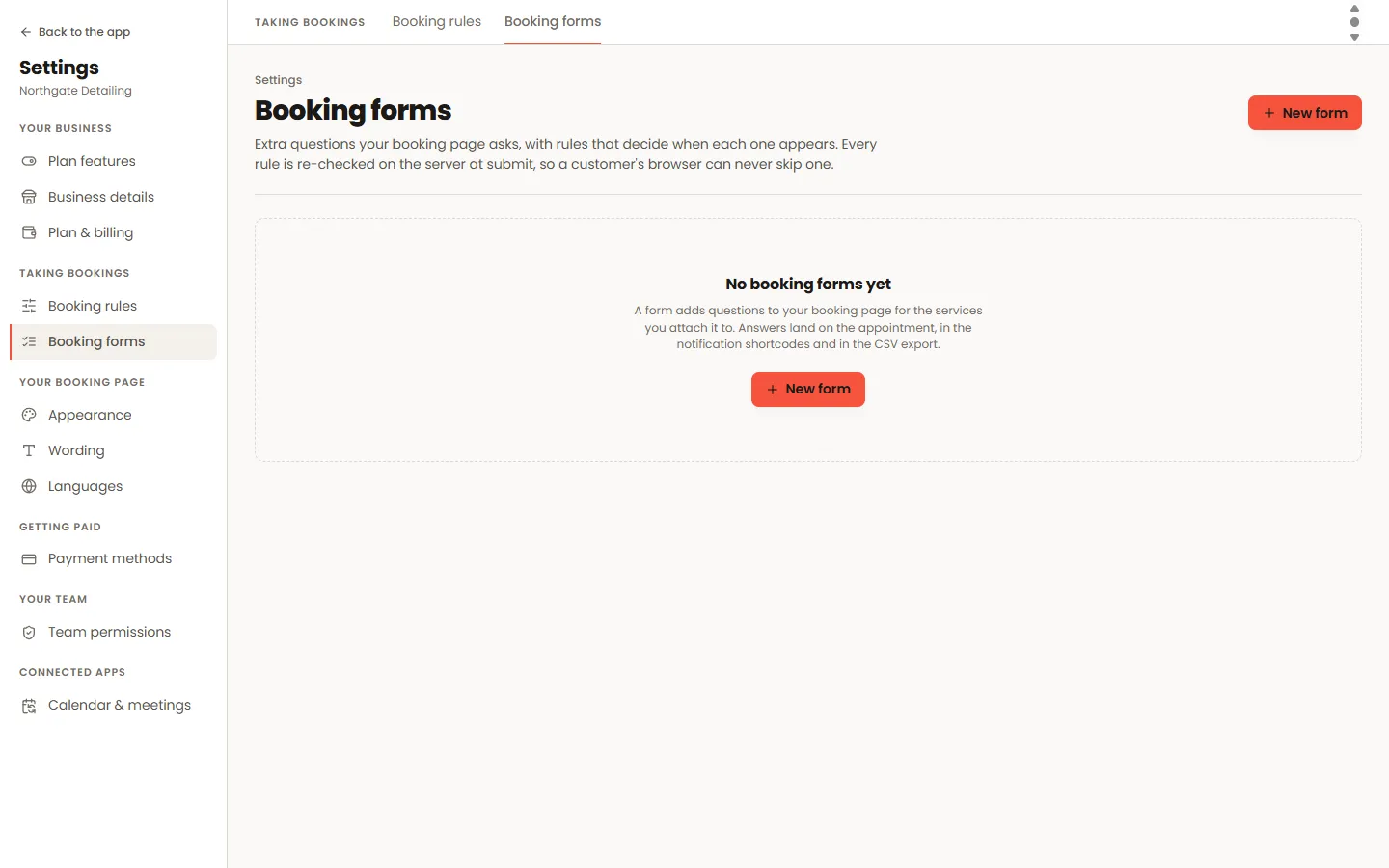
Settings → Booking forms
The things you need to know before someone arrives — car model, allergy, gate code — asked at booking instead of over the phone the morning of.
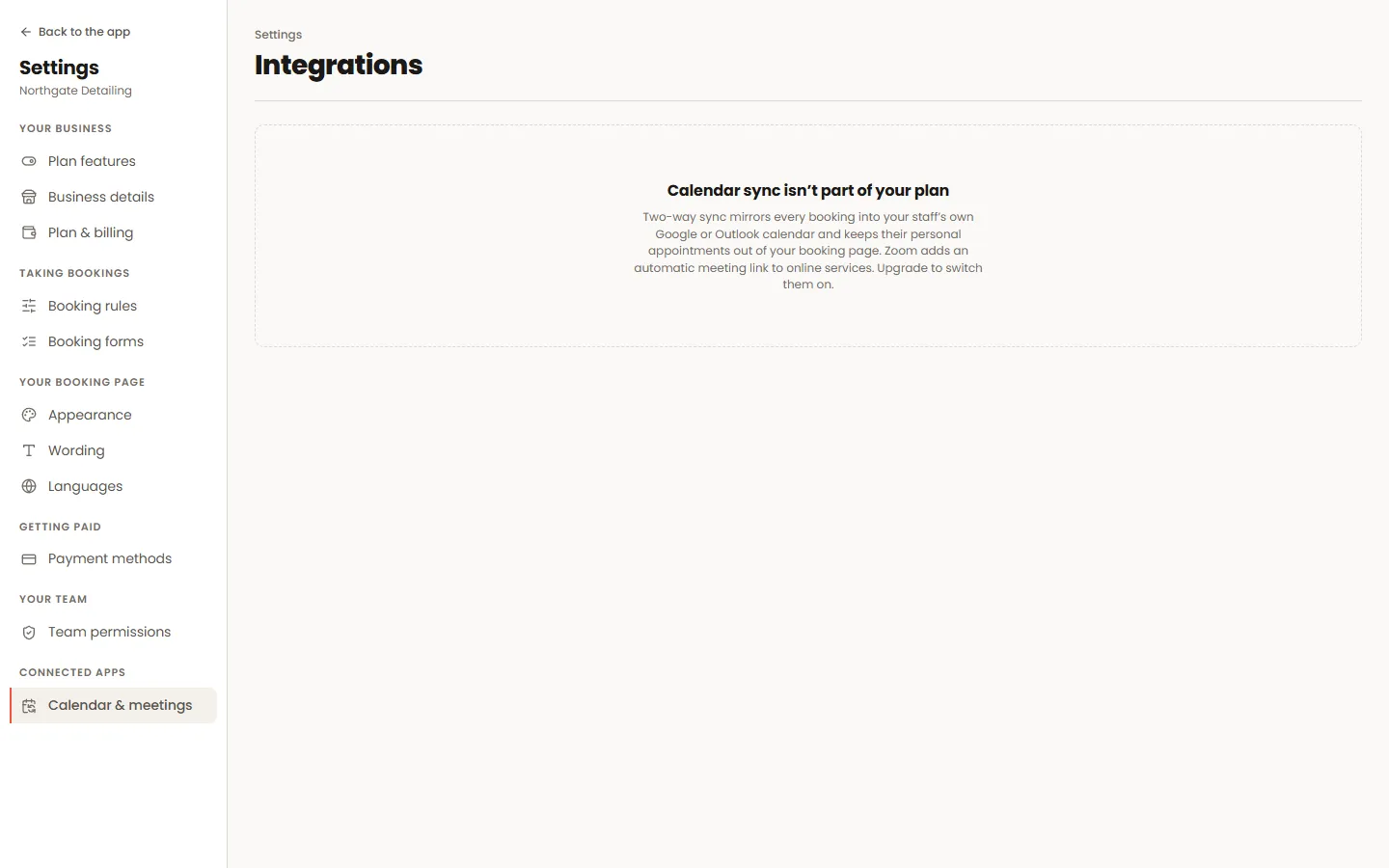
Settings → Calendar & meetings
Bookings appear in the calendar your team already lives in, and busy time in that calendar stops customers booking over it. Video links can be created automatically.
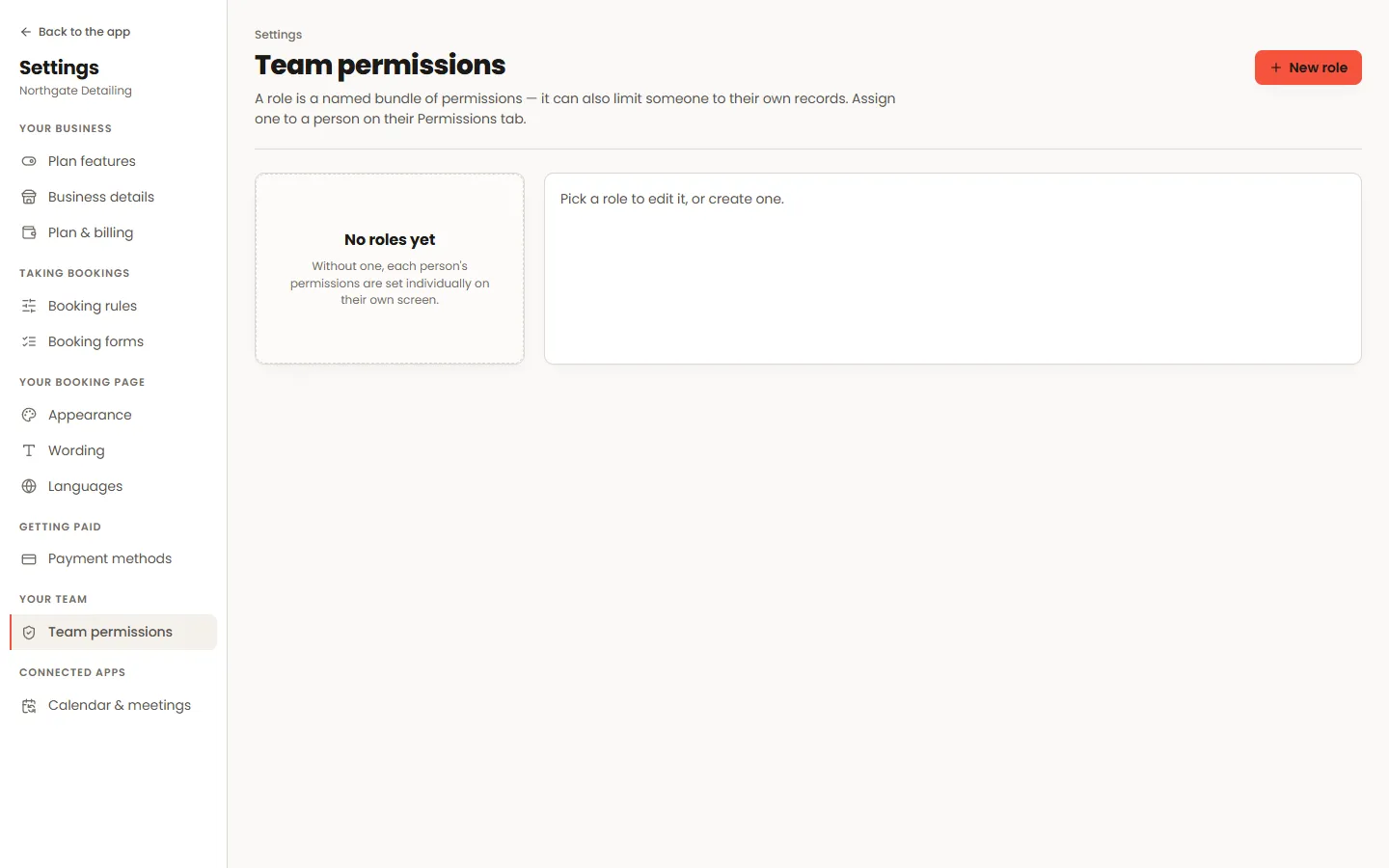
Settings → Team permissions
A role is a bundle of permissions you name once and reuse. It decides which screens a login can open and, separately, whether they see everybody’s records or only their own.
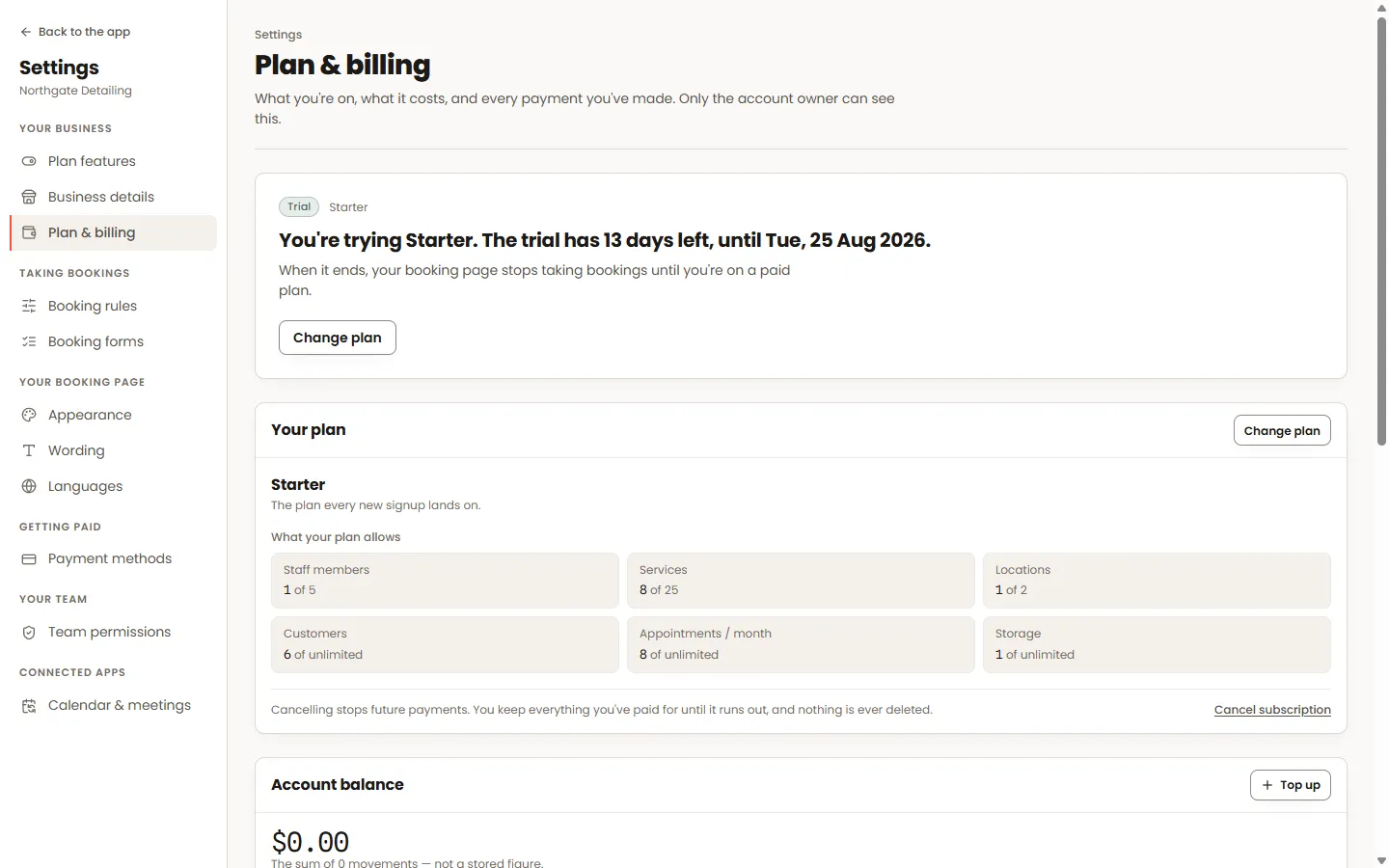
Settings → Plan & billing
What your plan includes, what it costs, and how you pay for it — plus the balance that text messages are drawn from.
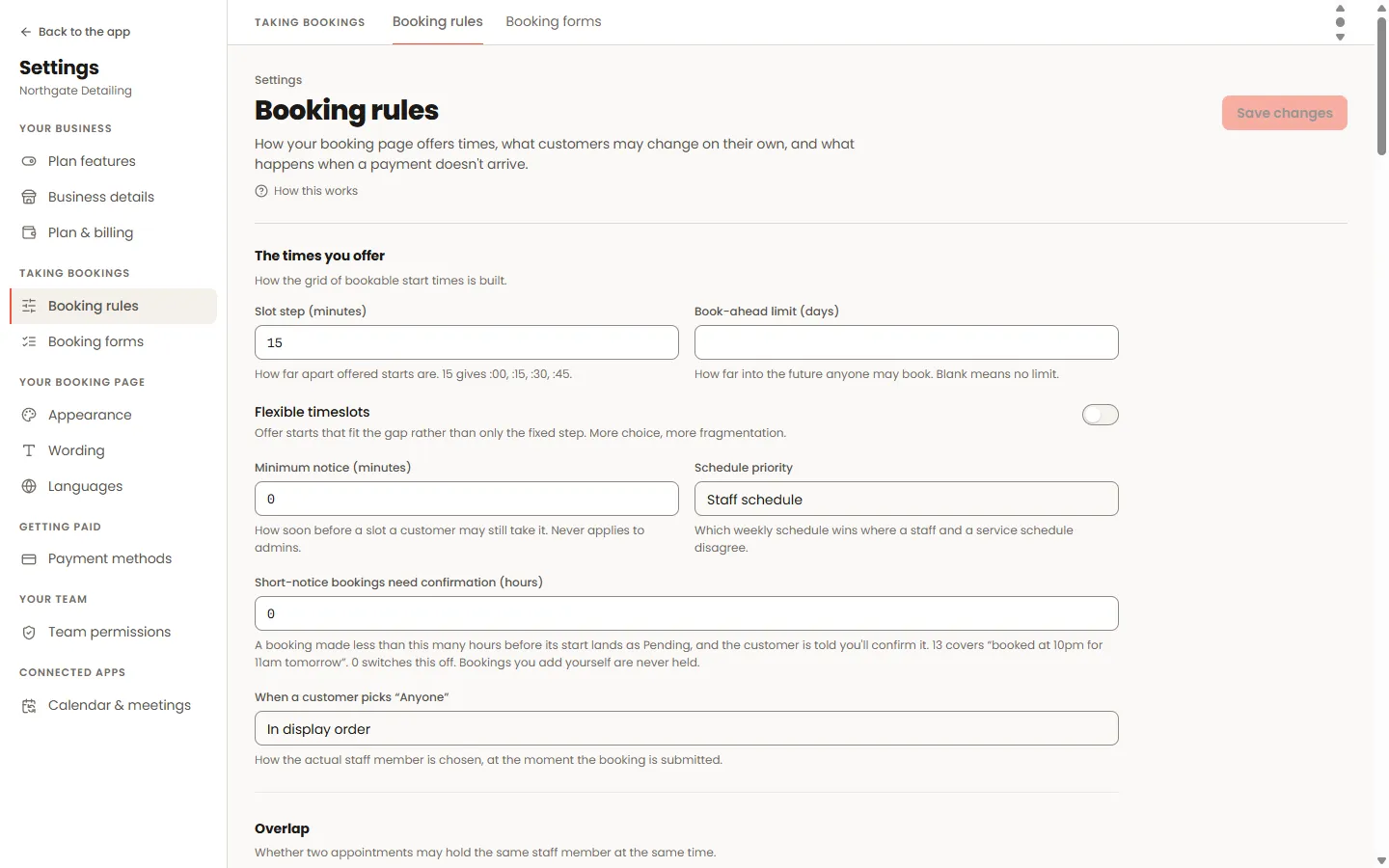
Settings → Booking rules
The rules screen decides which times the page offers and what happens at the edges — late-night bookings, fully-booked days, customers who book too much.
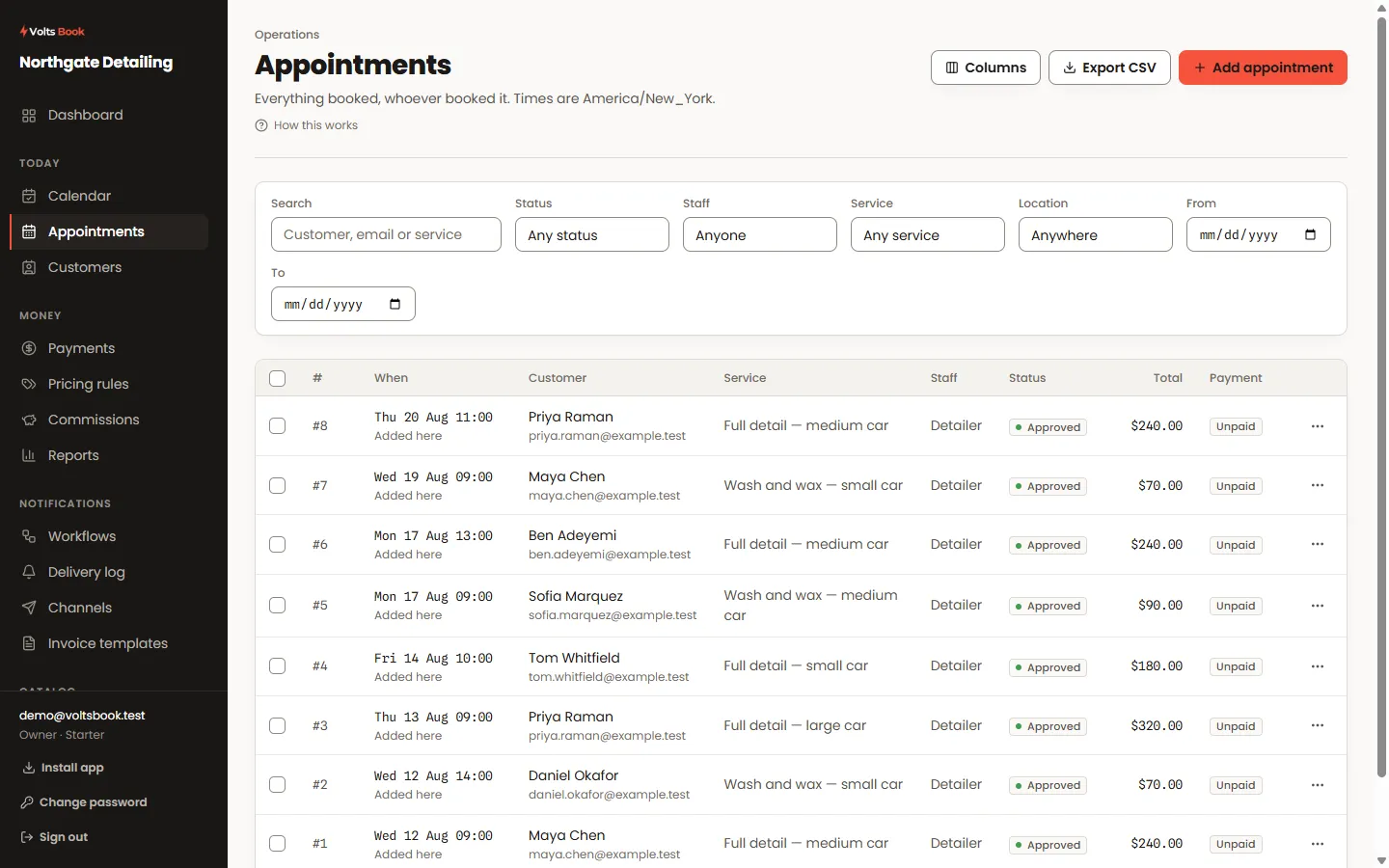
Appointments
The list is the day’s ledger. Click a status chip to change it, a payment chip to take money, a row to open the full editor — most of the day happens without leaving this screen.
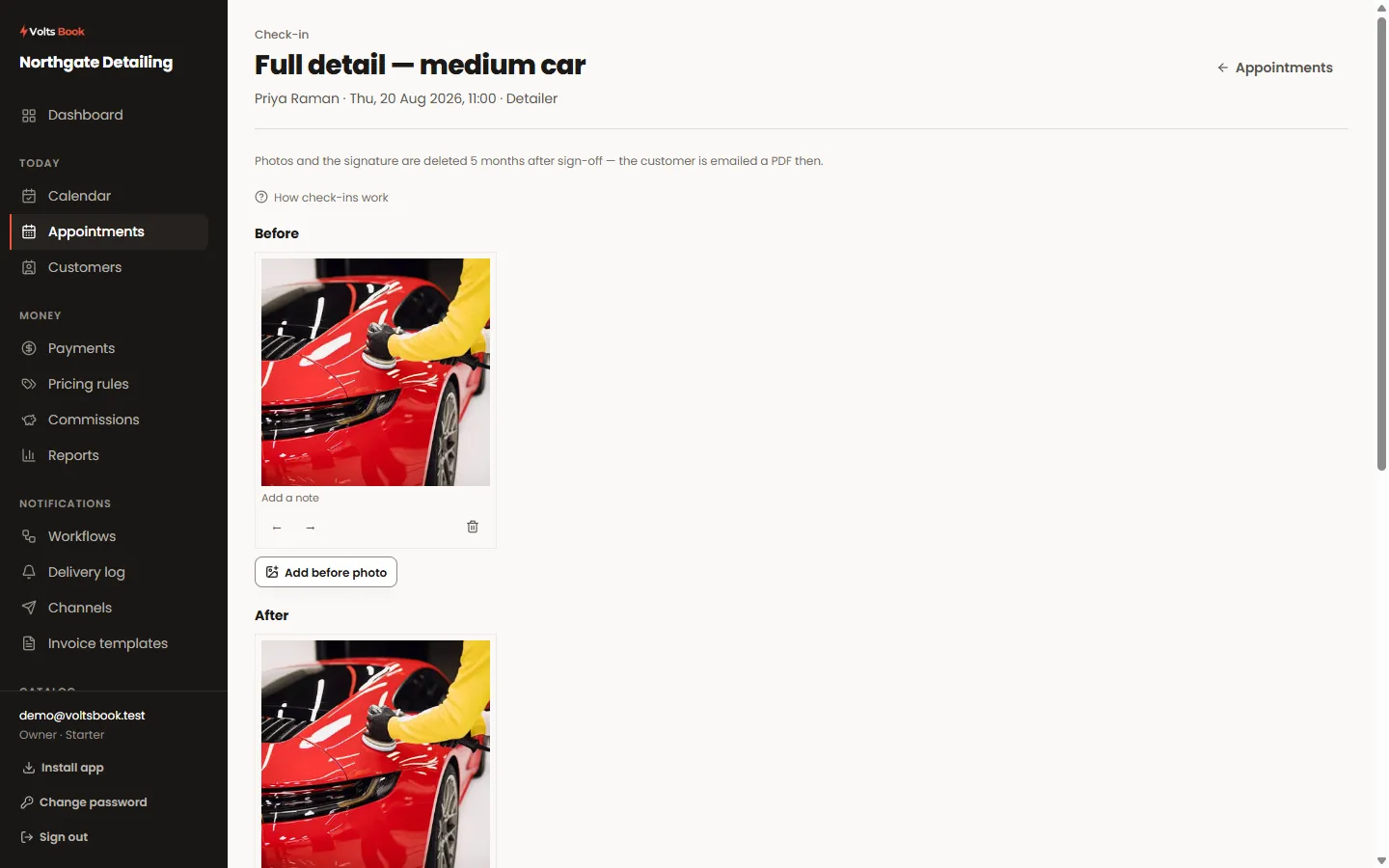
An appointment → Check-in tab
A check-in is your paper trail for a job: condition photos, notes, the customer’s signature over your terms — finished as a PDF the customer keeps.
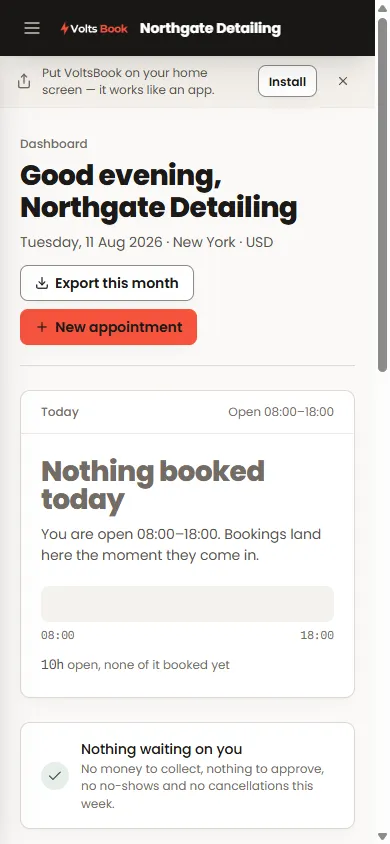
The install banner · your browser’s menu
The panel installs as an app — full screen, its own icon, no browser chrome. Nothing to download from a store.
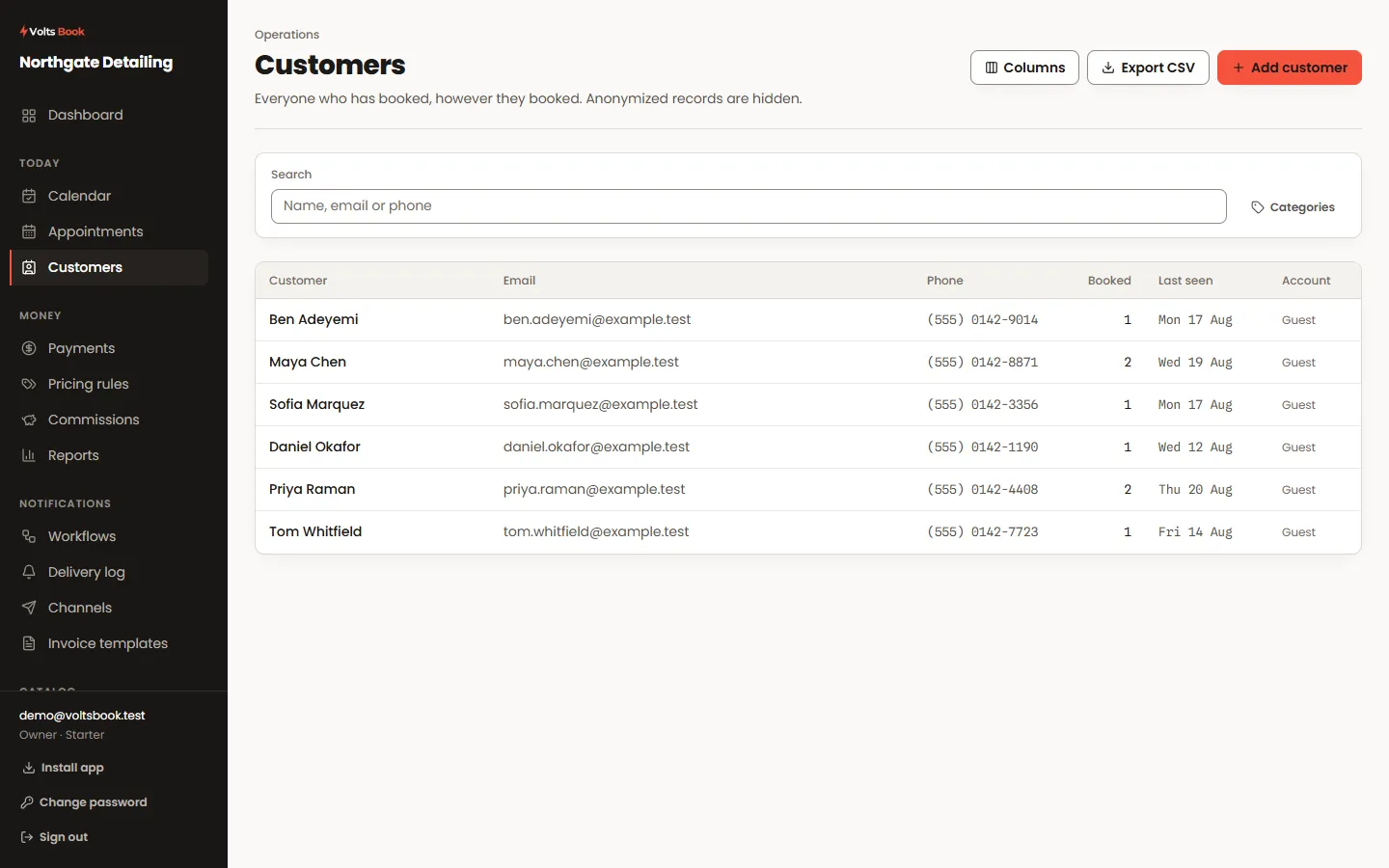
Customers
Every booking builds a customer record without anyone typing one. The screen is where you find somebody fast, see what they have had done, and keep the notes that make the next visit better.
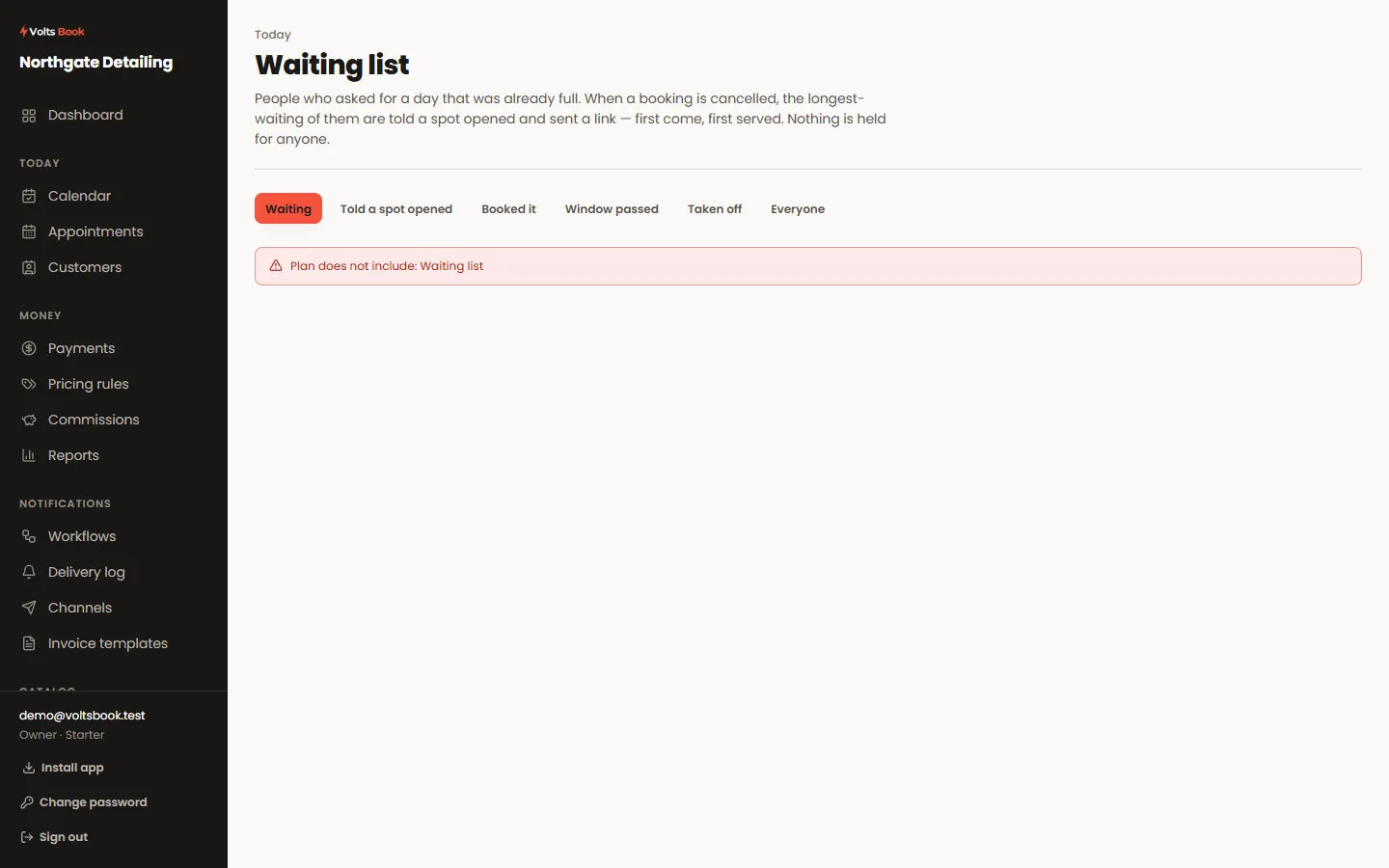
Waiting list
When a day is full, customers can leave their name instead of leaving. A cancellation tells the first person in line — which turns a gap you would have eaten into a booking.
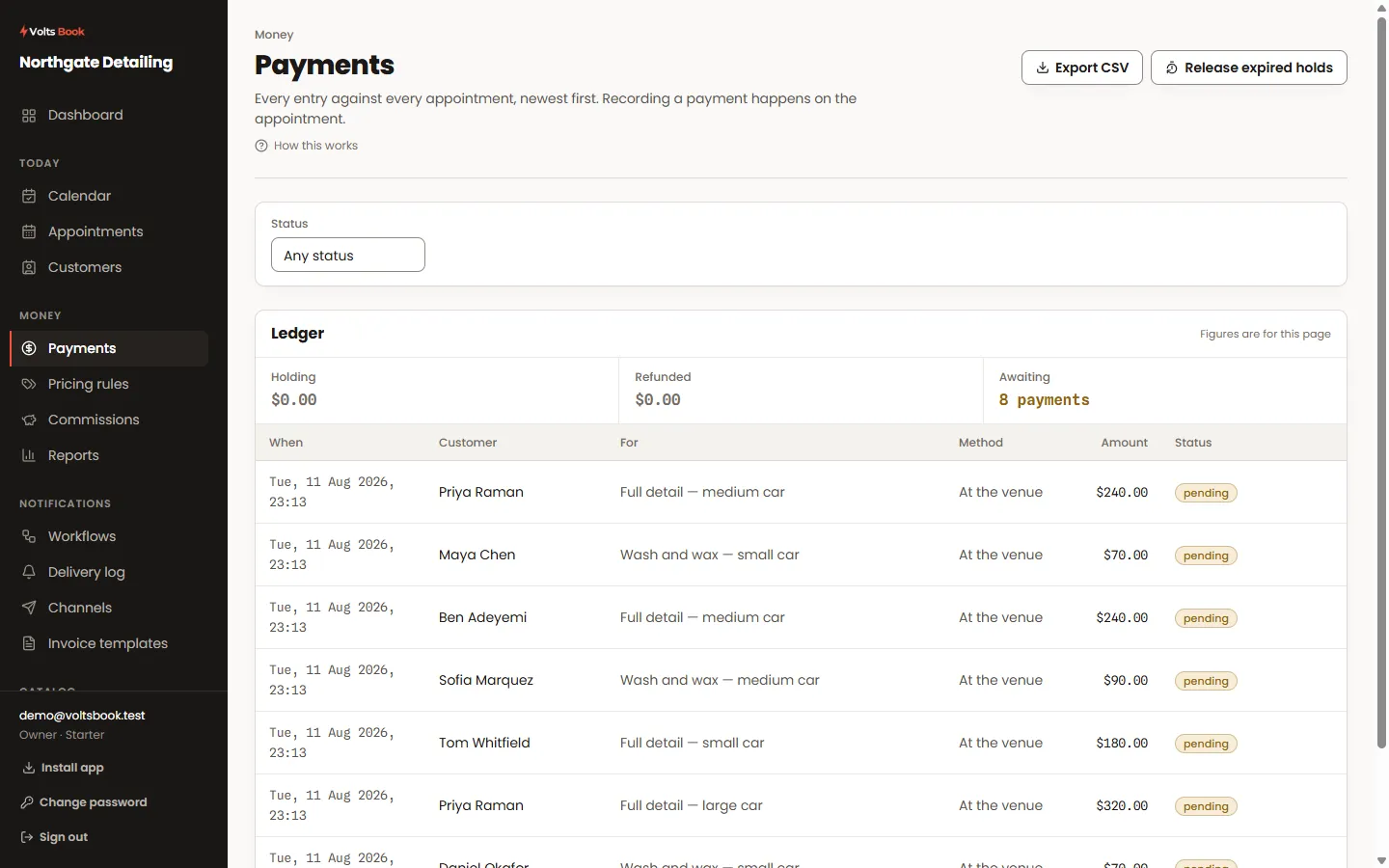
Payments · an appointment → Payment tab
Money can arrive four ways: online at booking, a payment link sent later, a card or cash at the counter, and gift cards or packages a customer already holds.
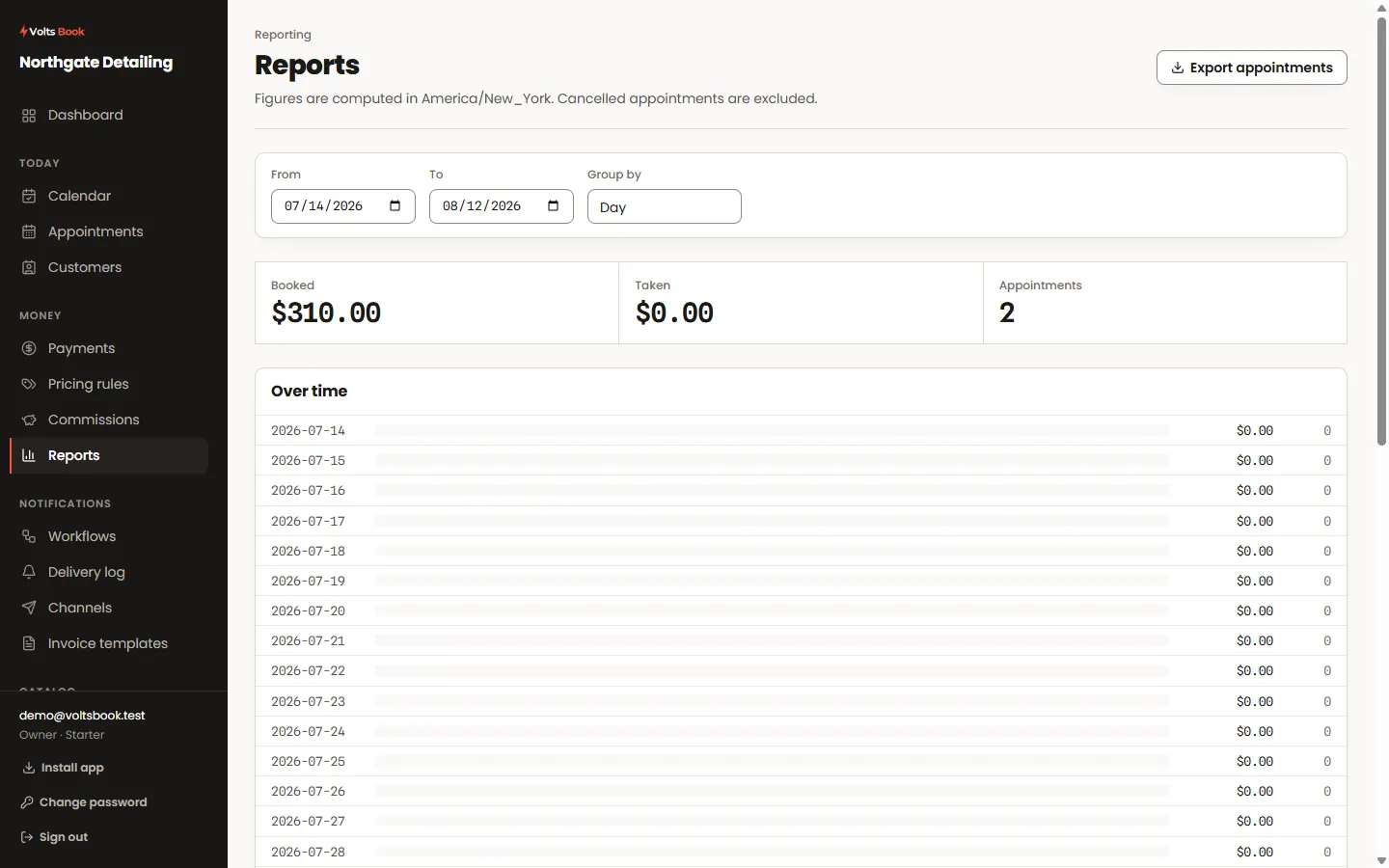
Reports
What the business actually did, over a window you choose — takings, appointments, staff, services — with a CSV of anything you would rather read in a spreadsheet.
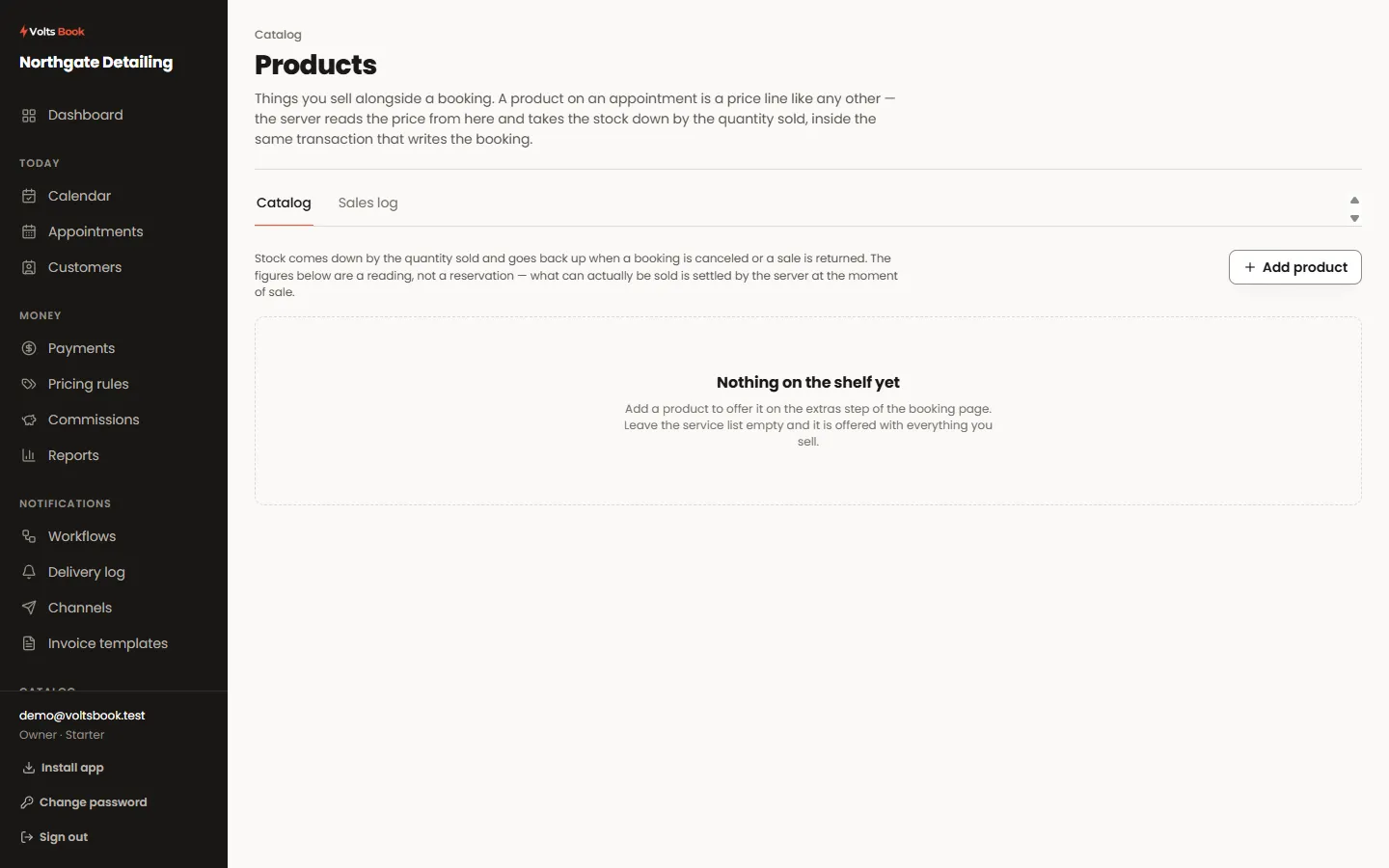
Products
The things you sell alongside the work — retail bottles, aftercare kits, consumables. Stock counts down as they sell and the booking page can offer them as an upsell.
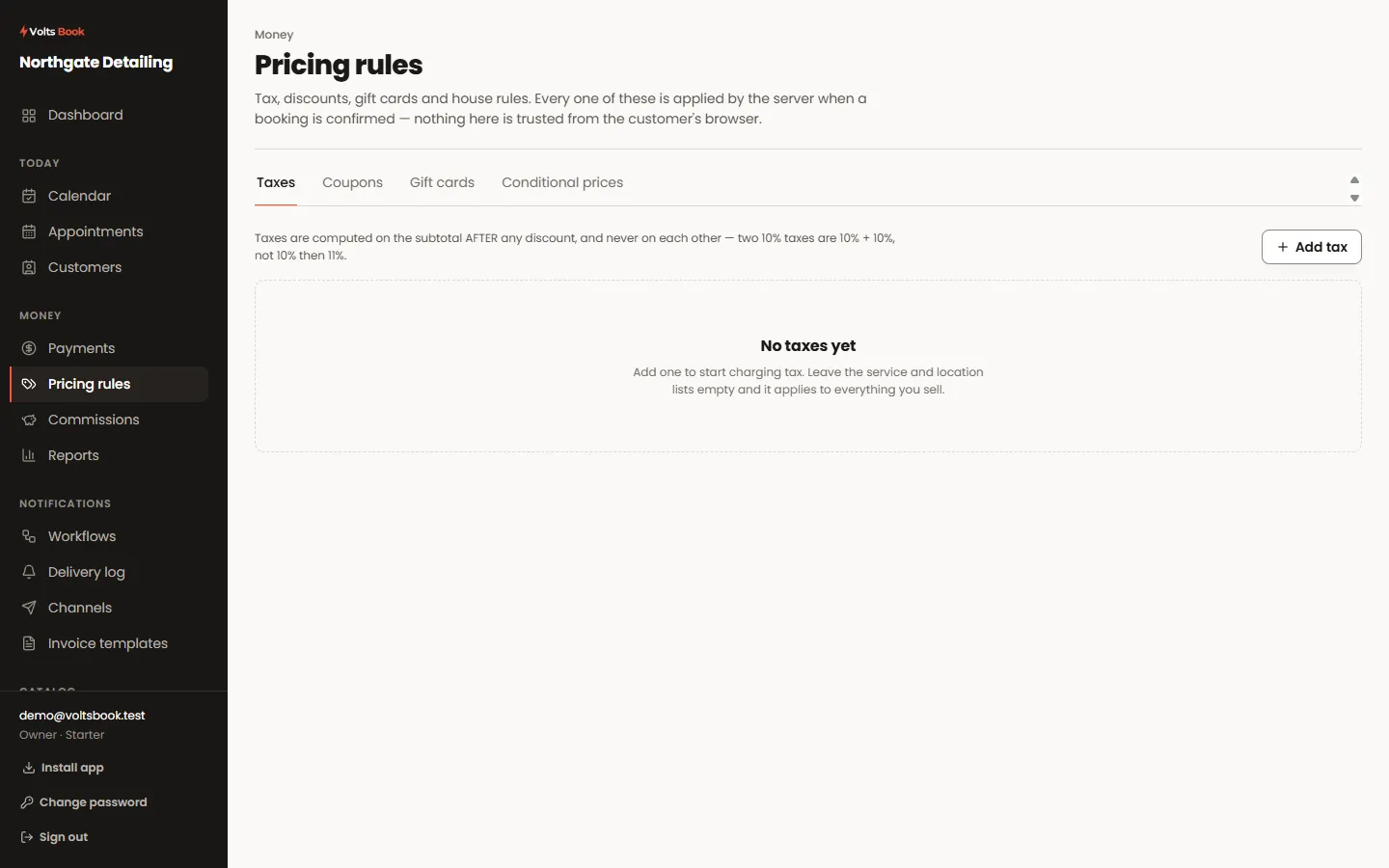
Pricing rules
Everything that changes a price between the menu and the receipt, in one place — and in a fixed order, so the same booking always totals the same way.
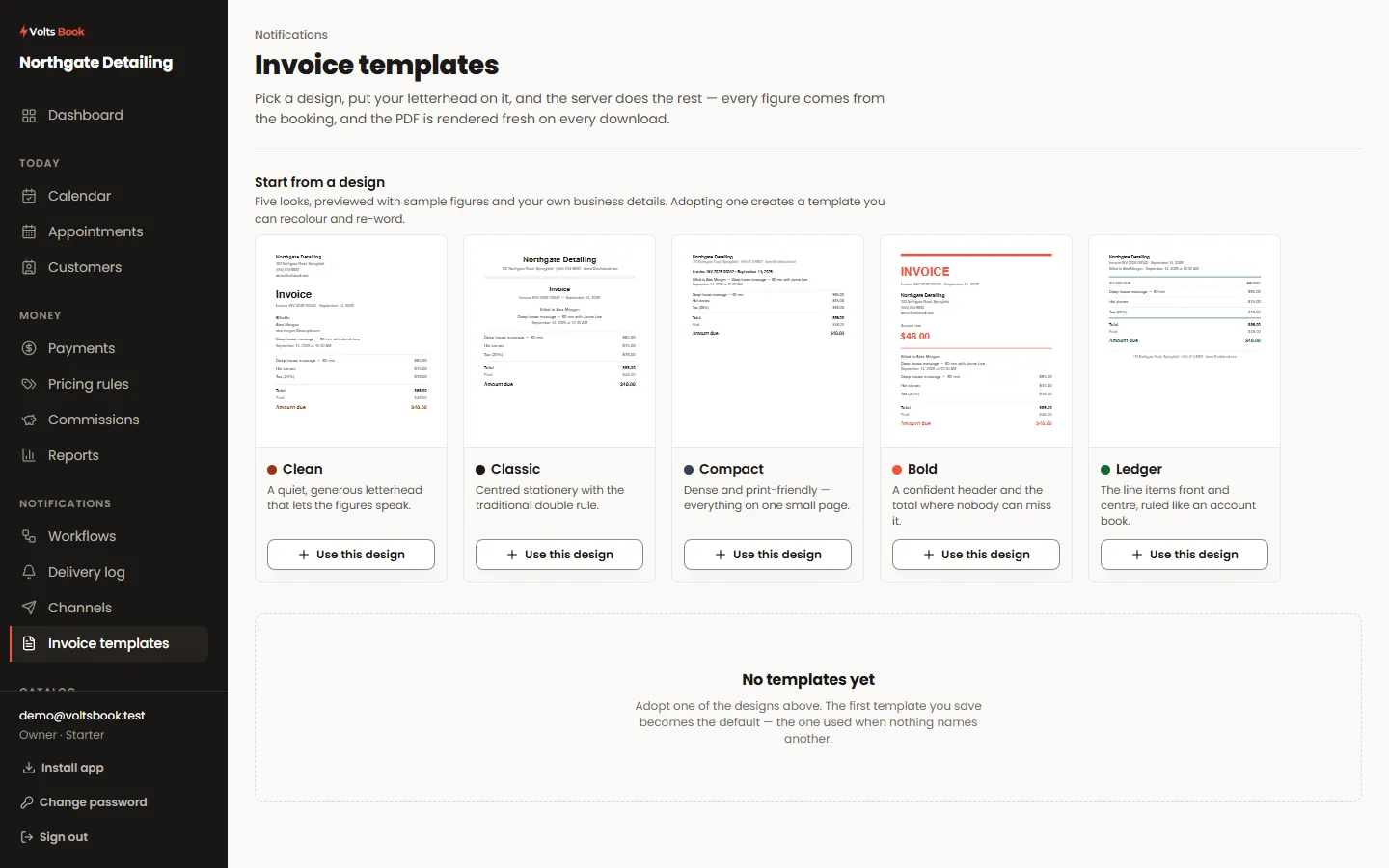
Invoice templates
A proper PDF invoice for a booking, in your own layout with your logo and your numbering, generated the moment somebody asks for one.
The developer reference documents every
/v1 endpoint from the server's own contract, and the
embed page puts the booking widget on
any website with one line.
Free plan, no card, and your trade already set up with real services and prices.
Start free