
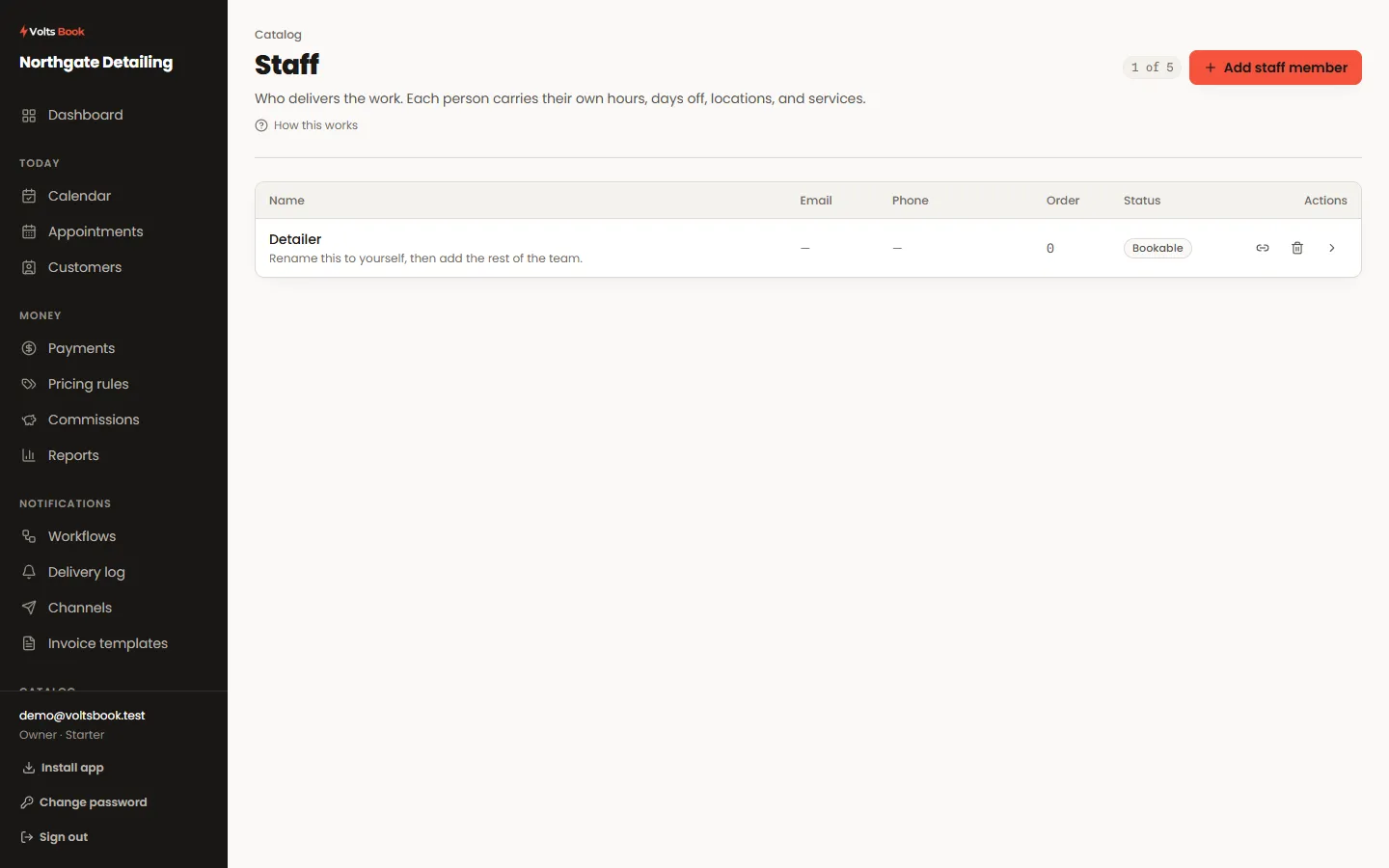
- 01
Add a person and assign their services
A staff member only takes bookings for services they are assigned to, at locations they work from. Their profile carries their own weekly schedule and their calendar connections.
- 02
Give them a login
From Staff users, invite a login and link it to the staff member. Roles bundle permissions — and a role can limit someone to their OWN records, so a stylist sees their appointments and customers, not everyone’s.
- 03
Connect their calendar
On the staff profile, connect Google or Outlook, then pick WHICH calendar bookings should land in. After that, Settings → Calendar & meetings controls what syncs and when.
Worth knowing
- Commission rates live on the staff profile — percent of what each paid appointment earns, reconciled automatically on payment and refund.
- If a connected calendar is not receiving events, check a calendar was actually chosen on the profile — connecting alone is not enough.
