
- 01
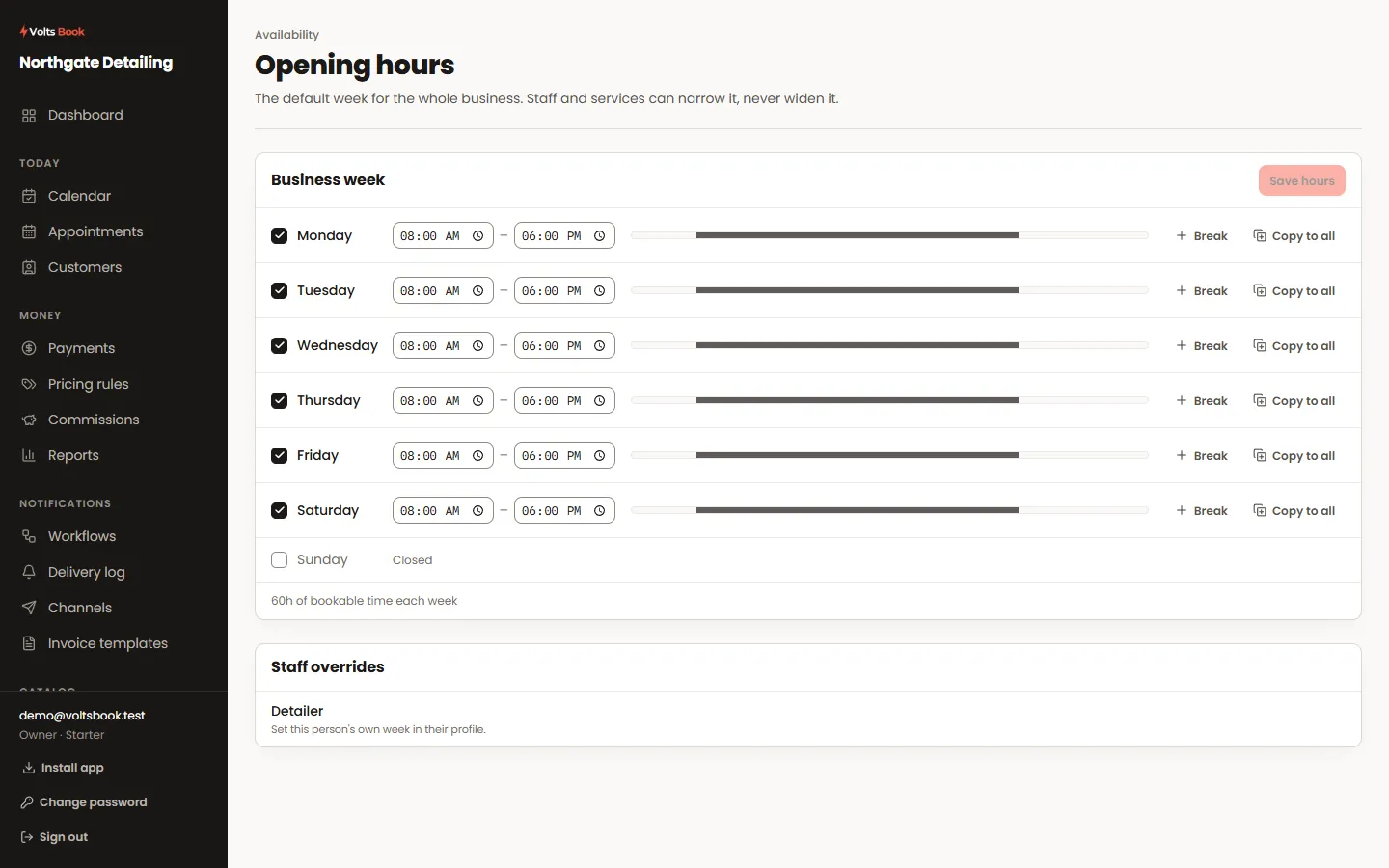
The weekly schedule
Set business hours for the week; each staff member and even each service can carry its own week that overrides it. Breaks split a day without closing it.
- 02
Holidays and special days
A holiday closes a date entirely. A special day replaces that date’s hours — open late one Thursday, short hours on New Year’s Eve — without touching the weekly pattern.
- 03
Blocked times
Block a stretch inside a day — a lunch run, a school pickup — for the whole business or one person. A blocked time can except specific services if some work is still fine during it.
Worth knowing
- You can book over days off and outside working hours yourself: switch on "allow booking outside working hours" in Booking rules, and the calendar will ask you to confirm each time.
- Blocked times are firmer than the schedule — they refuse even you. Delete the block if you truly need the time.
