
- 01
The grid
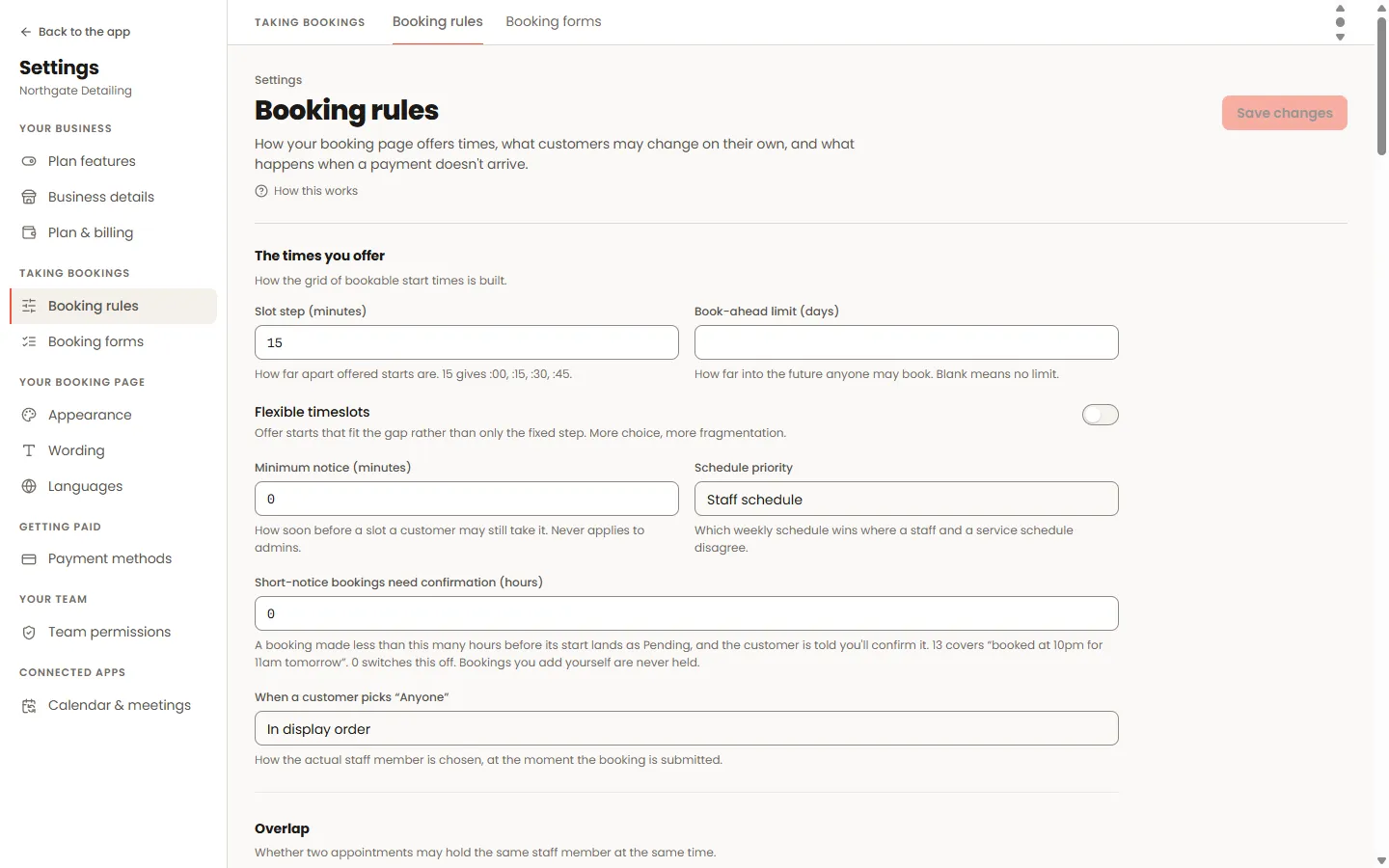
The gap between start times decides how far apart offered times are. Minimum notice stops last-second bookings; the book-ahead limit stops far-future ones. "Offer in-between start times" adds starts that fit gaps rather than only the fixed step.
- 02
Short-notice confirmation
Set "Short-notice bookings need confirmation" to a number of hours and any public booking made closer to its start than that lands as PENDING — the slot is held, the customer is told you still have to confirm, and you approve or decline it from the appointment. 13 hours covers "booked at 10pm for 11am tomorrow". Your own bookings are never held.
- 03
Booking limits
Caps like "a customer may hold at most 2 upcoming appointments" or per-week limits, enforced at the moment of booking. Admins can override a refusal per rule where you allow it.
- 04
The waiting list
When a day is full, customers can leave their name. A cancellation tells the earliest of them first, with a window of first refusal before the next person hears.
Worth knowing
- Statuses are yours to shape: add your own vocabulary ("No-show", "In detail bay") and decide which statuses hold the time.
- Overlap rules decide whether double-booking is possible at all — and what a deliberate admin overlap asks you to confirm.
