
- 01
iPhone and iPad
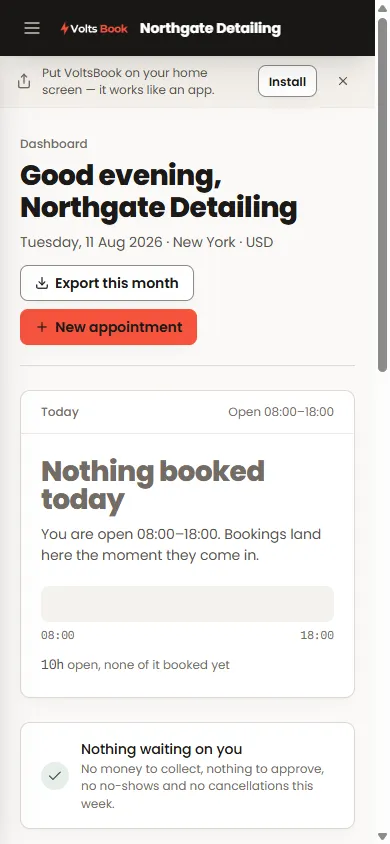
Open the panel in Safari, tap Share, then "Add to Home Screen". The panel also offers a guided version of this the first time you visit on a phone.
- 02
Android
Chrome shows an Install prompt — accept it, or use the menu’s "Install app". One tap and it is on the home screen.
- 03
Computer
In Chrome or Edge, the install icon sits at the right end of the address bar. Installed, VoltsBook runs in its own window.
Worth knowing
- Dismissed the banner but want it back? The install option stays in the panel under the top-right menu.
- The installed app is always current — it updates itself whenever the panel does.
