
- 01
Photograph the job
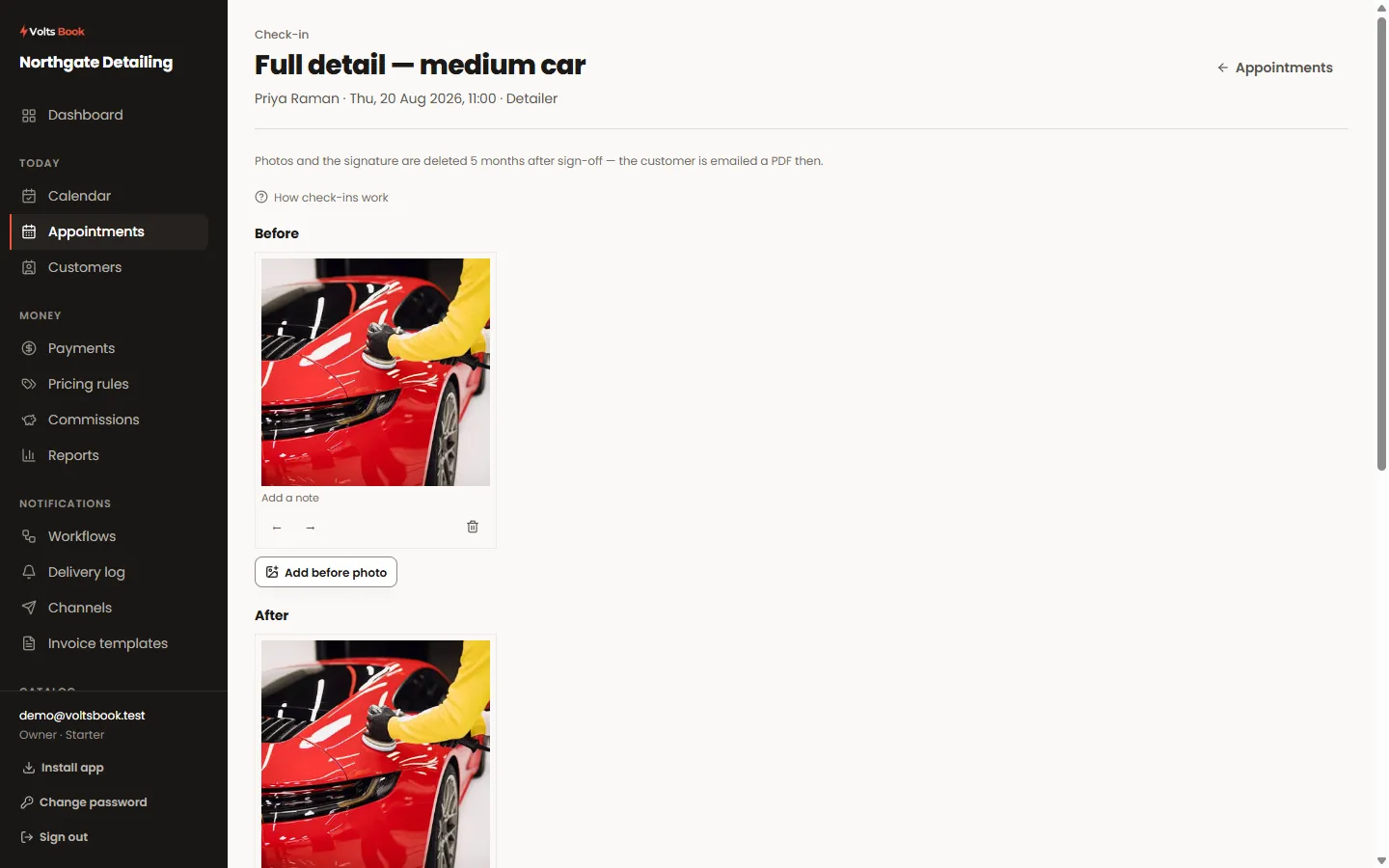
Before, during and after galleries (switch each on or off in settings). On a phone or tablet, "Take photo" opens the camera directly; every photo takes a caption and can be reordered.
- 02
Collect the agreement
Add your own checkboxes in settings: "I have read and agree with the terms of service" can be required — the sign-off refuses until it is ticked — while "Does the car currently have a coating?" records a yes/no. The customer’s details can appear on the agreement automatically, be typed by staff, or stay off.
- 03
Signatures
The customer draws their signature on the screen (or a photo of a paper one works). Switch on the inspector signature and your staff member counter-signs before sign-off is possible.
- 04
Sign off
Sign-off timestamps the record, pins what was agreed to, and emails the customer the whole packet as a PDF. Photos are auto-deleted after your retention window — the PDF is the lasting copy. Reopen if a correction is needed.
The packet as it reads on a tablet: the photos taken, the agreement with the customer’s own details filled in, and the signature drawn straight onto the screen.
Worth knowing
- The terms the customer agreed to are snapshotted — editing your terms link later never rewrites an old record.
- Set the terms link and label in Settings → Booking rules → Check-in packets.
