
- 01
Taxes
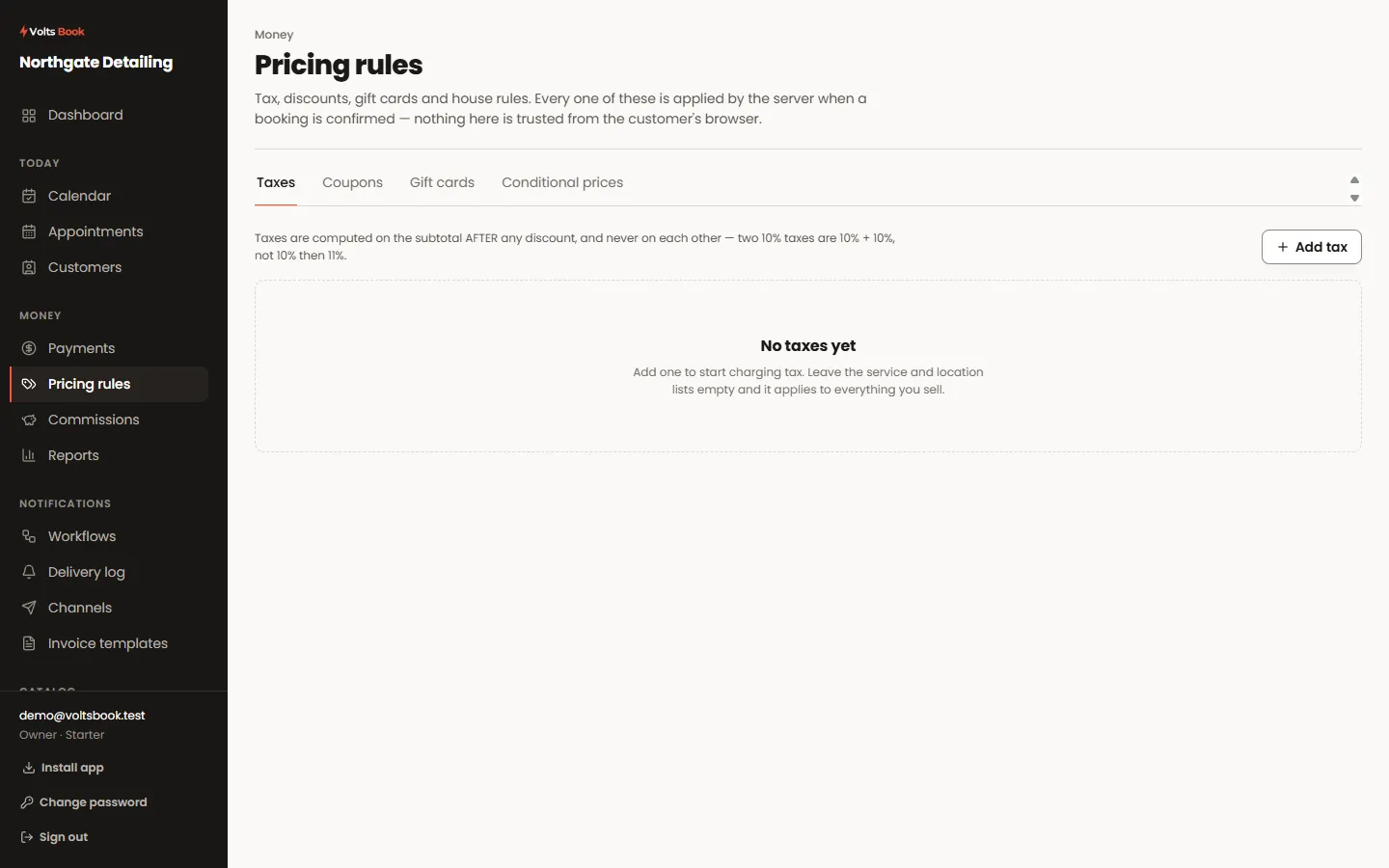
Set a rate and whether your prices already include it. Inclusive tax is shown as part of the price and broken out on the receipt; exclusive tax is added at the end. Both appear as their own line, so a customer can see what they paid.
- 02
Coupons
A percentage or a fixed amount, with limits on how many times it can be used and until when. Customers enter one on the last step of booking; you can also apply one yourself when you add a booking.
- 03
Gift cards
Sold with a balance and spent against bookings. A card is drawn down safely even if two people try to spend it at the same moment — one succeeds and the other is told plainly, rather than the balance going negative.
- 04
Conditional prices
Charge differently by day, time, staff member or how far ahead the booking is — a weekend surcharge, a quiet-Tuesday discount. These apply after any coupon, so a discount code cannot be multiplied by a surcharge.
Worth knowing
- The order is fixed and audited: package credits, then coupons, then surcharges, then tax, then loyalty points. It is the same every time.
- Every adjustment is its own line on the receipt. Nothing changes a total invisibly.
