
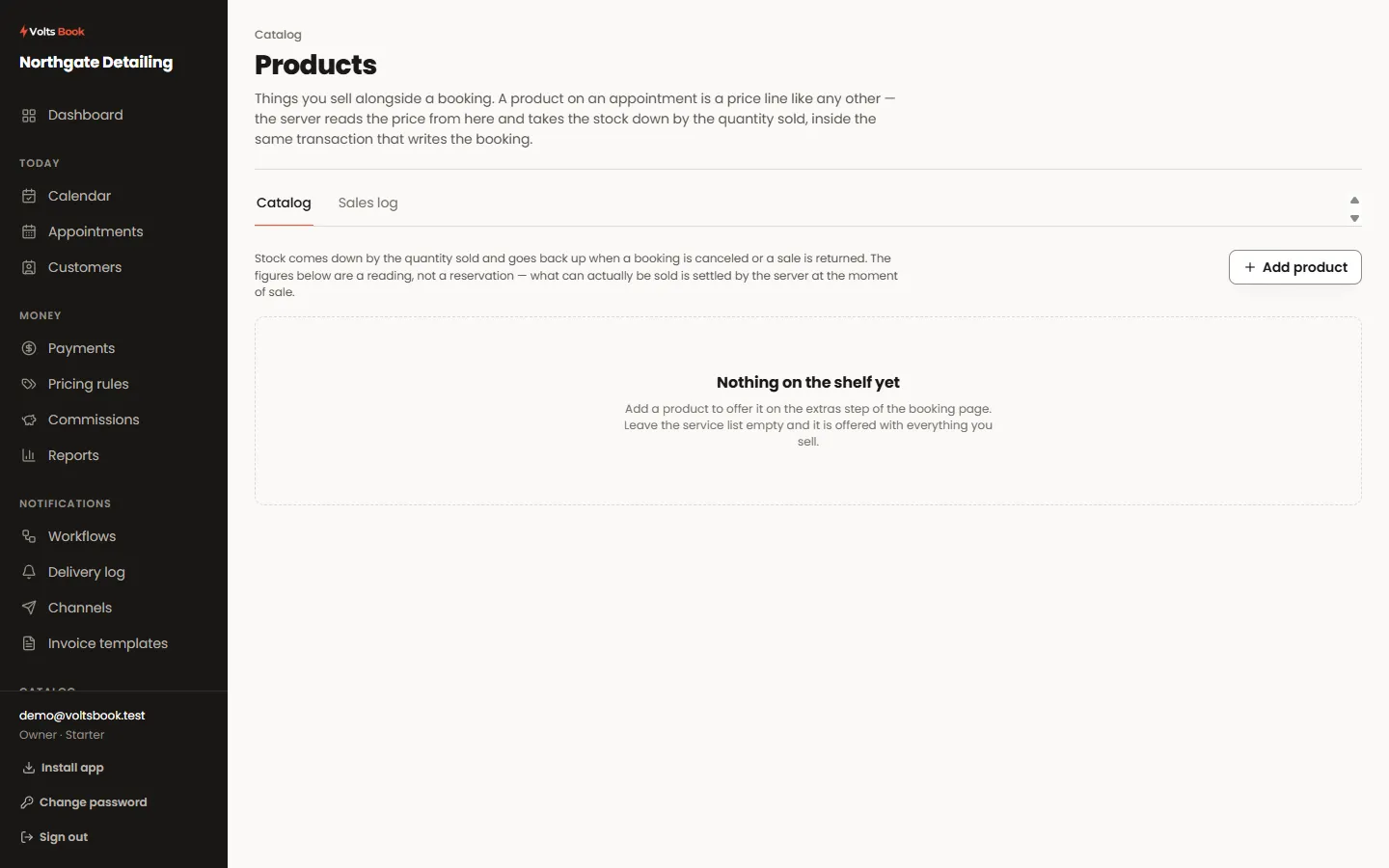
- 01
Add what you sell
A product has a price and a stock count. Attach it to the services it makes sense with, and the booking page offers it at the extras step to customers booking that work.
- 02
Selling at the counter
The appointment editor has a Products tab: add what they actually took, in whatever quantity, and it joins the appointment’s total. Stock decrements by the quantity sold, not by one.
- 03
When stock runs out
A product with no stock stops being offered rather than overselling. Cancelling an appointment puts its products back exactly once, however many times the cancellation is retried.
Worth knowing
- Products sell once per booking, not once per occurrence — a weekly series does not sell fifty-two bottles.
- Stock is a count, not a promise: if you sell the same item in a shop as well, it will need the occasional correction.
