
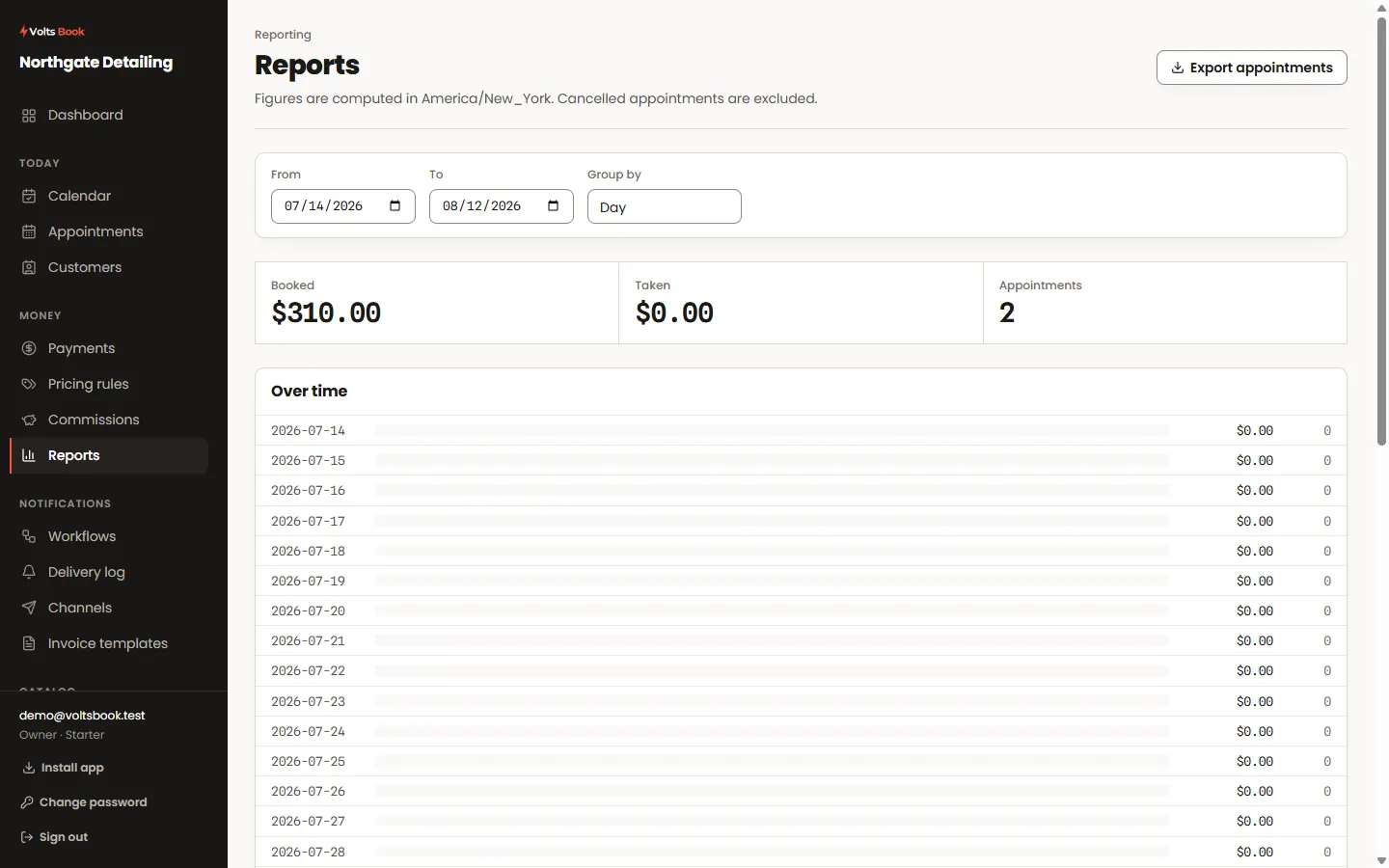
- 01
Pick the window
Every figure is for the range you set, resolved in your business’s own timezone rather than your browser’s — so a report run from a laptop abroad shows the same numbers as one run at the counter.
- 02
Read the four questions
Revenue over time, appointments by status, who delivered the work, and what sold. Cancellations and no-shows are counted separately from completed work, because a busy diary and a paid diary are different things.
- 03
Export it
Any report exports to CSV. Exports carry the full set of fields rather than whichever columns you happen to be showing, because a spreadsheet opened next month should not depend on how a screen was arranged today.
Worth knowing
- A staff login that is limited to its own records sees reports limited the same way — the export cannot become a way around a permission.
- Money is reported in your own currency; a report never mixes currencies into one total.
