
- 01
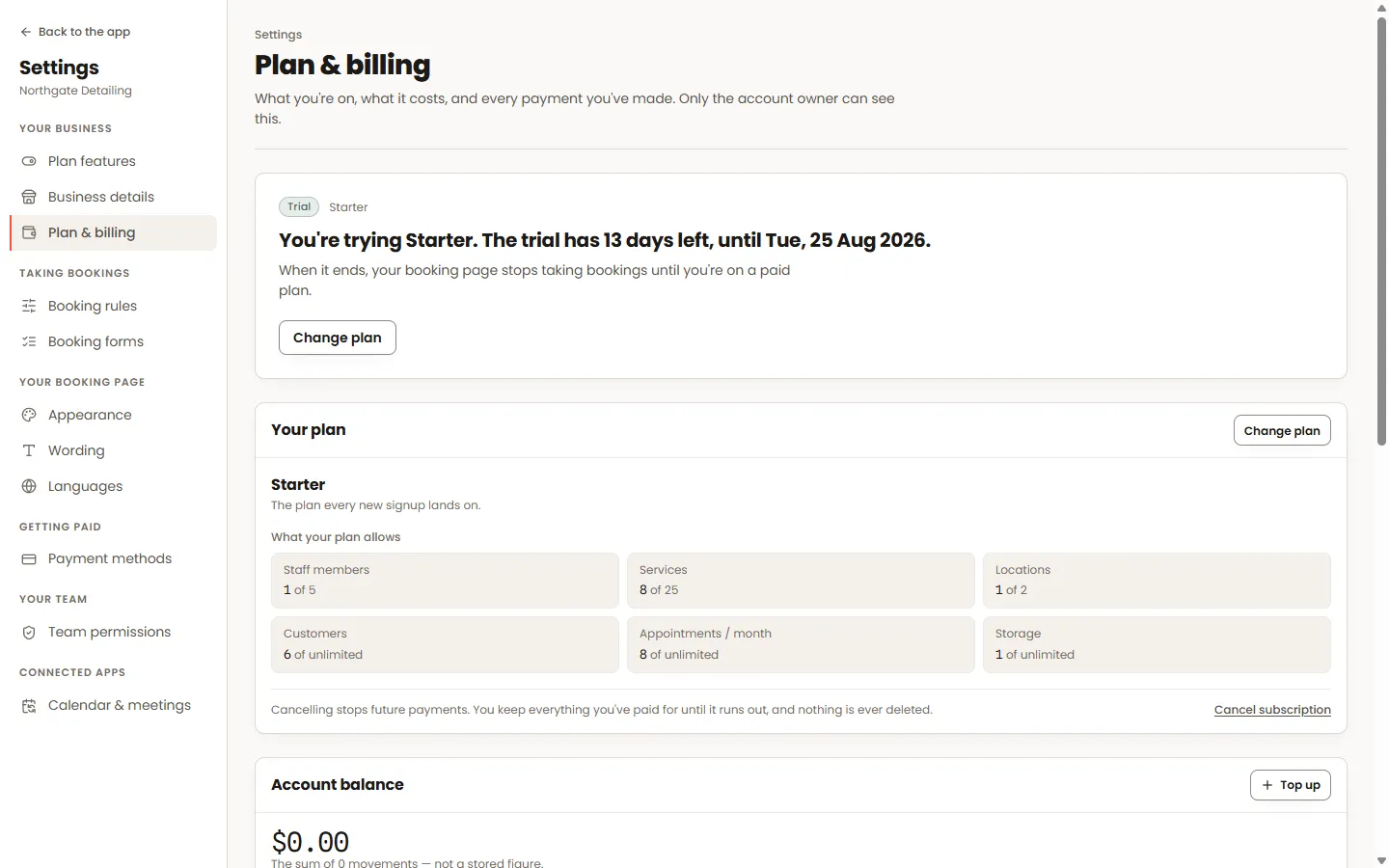
Your plan
What is switched on, what a different plan would add, and the date you are paid through. Changing plan warns you first if anything you are currently using would no longer fit.
- 02
Paying
Pay by card or from your balance. A card payment is only confirmed once the payment provider tells us so — the screen waits for that rather than assuming, so what you see is what actually happened.
- 03
Text-message credits
Texts are charged per message segment and drawn from your balance. Top it up here, and see exactly what has been sent and what it cost. Emails have no per-message cost.
- 04
Stopping
Cancelling is on this screen — no phone call, no chat window. You keep access until the date you have paid through, and resuming is one click if you change your mind.
Worth knowing
- Automatic renewal from your balance is separate from a card subscription; the screen names which one is paying so you are never wrong about it.
- Using your own text-message account instead of ours is supported, and then there are no credits involved at all.
