
- 01
Finding somebody
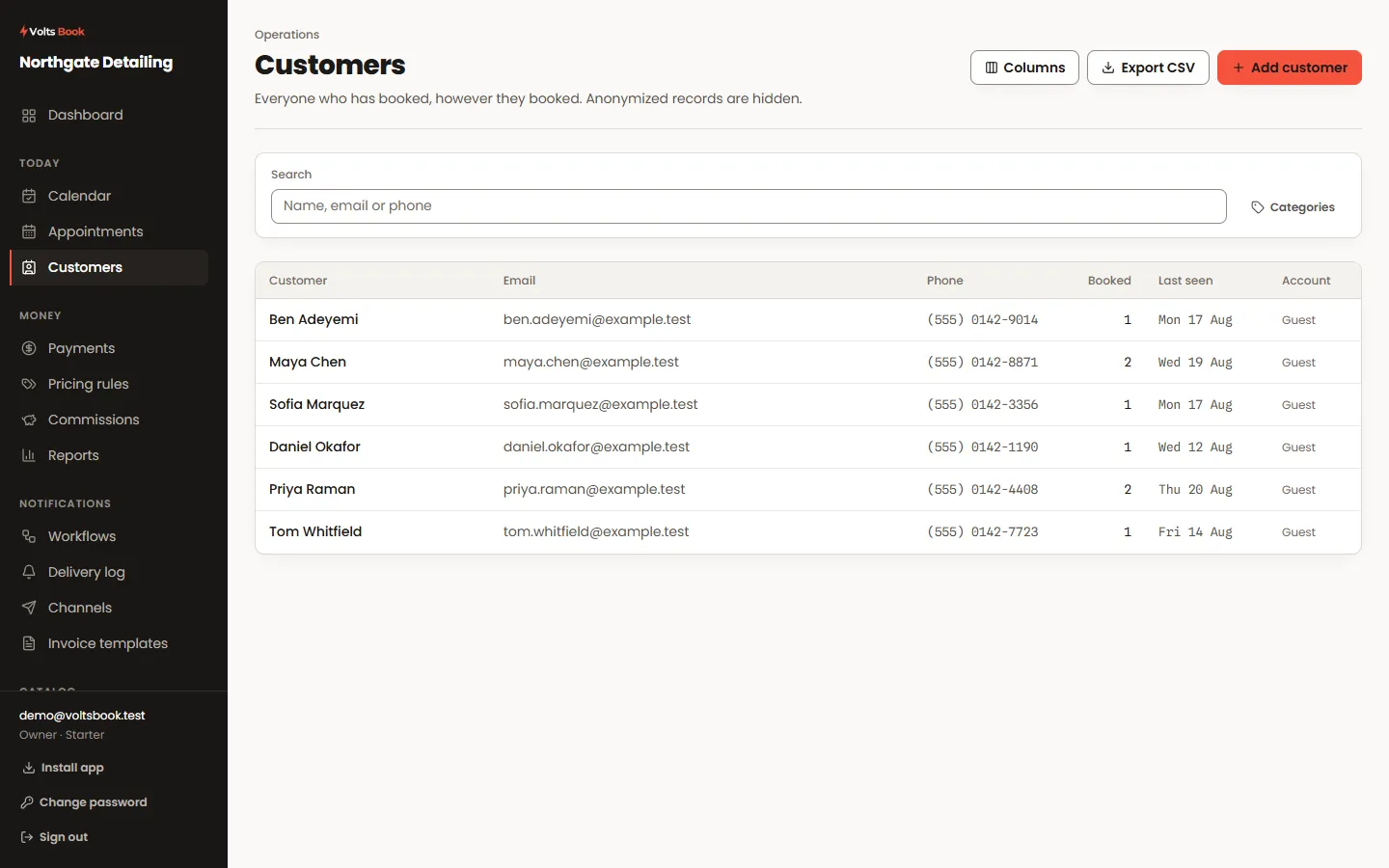
Search matches names, email addresses and phone numbers, and a phone number is matched on its digits — so it finds them whether you type spaces, dashes or neither. Columns are yours to choose, and the layout is remembered for next time.
- 02
What a customer record holds
Their whole history: every appointment, what was paid, what is outstanding. Internal notes are for your team and are never shown to the customer; anything you want them to see belongs in the appointment or a notification instead.
- 03
Grouping and birthdays
Customer categories file people the way your business thinks about them — regulars, corporate accounts, first-timers. Birthdays are a field on the record, and there are ready-made Occasions messages that greet people on the day if you switch them on.
- 04
Their own account
Customers can register on your booking page and then see their own upcoming and past appointments, reschedule or cancel within the limits you set, and download their data. Nothing about their account is extra work for you.
Worth knowing
- A booking made with an email that already exists is matched to that customer rather than forking a second record.
- Exporting a single customer’s data is one click on their record — the whole file, for a request you are obliged to answer.
