
- 01
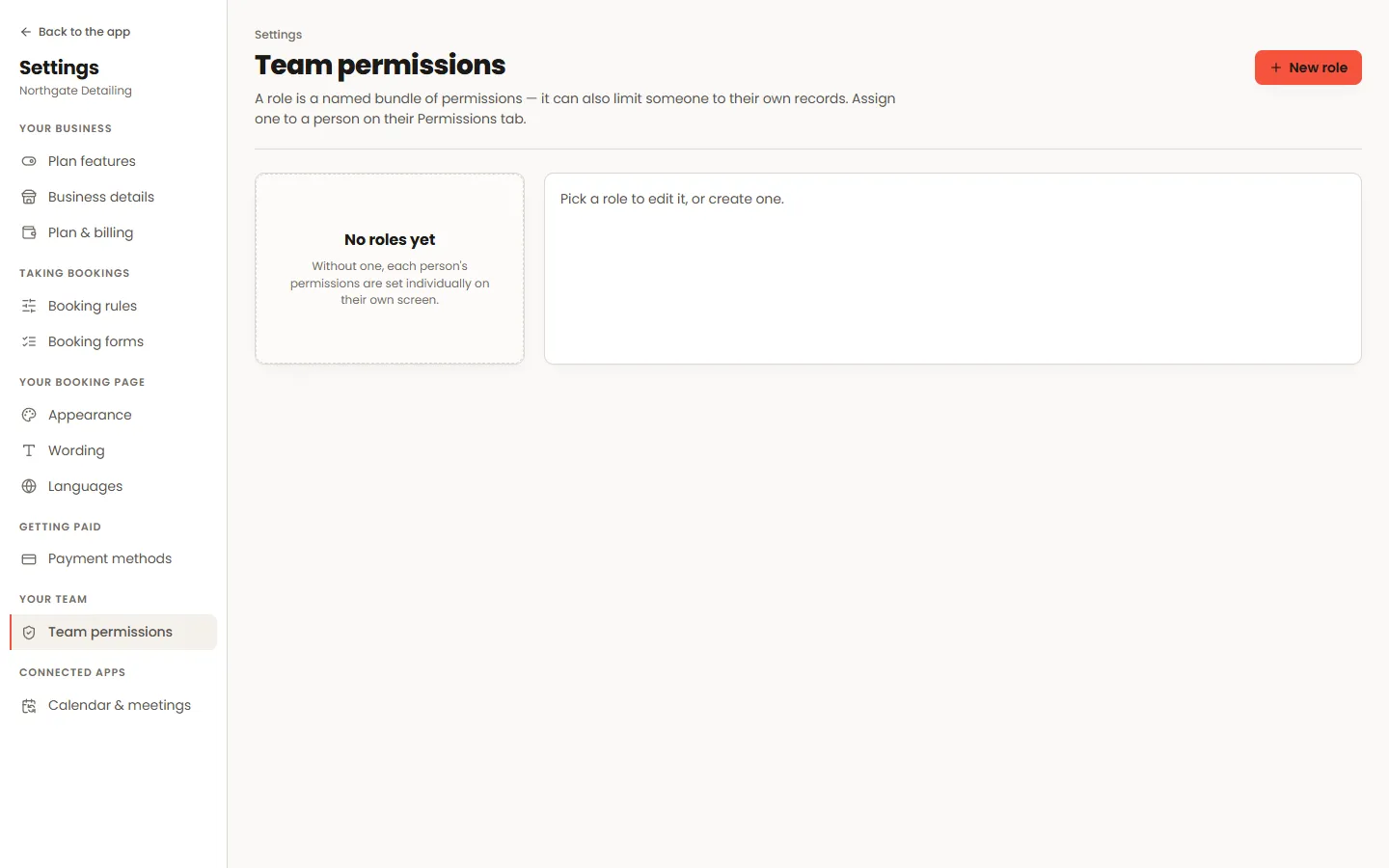
Build a role
Tick the modules the role should reach — appointments, customers, money, settings — and whether each is view-only or full. A stylist role and a receptionist role want very different lists.
- 02
Own records only
Per module, a role can be limited to the person’s own records. A stylist with own-records appointments sees their bookings and no one else’s, in the list, the calendar, the exports and the reports alike.
- 03
Assign it
Roles attach to staff logins. Only the account owner can create roles or change them, because a permission that could widen its own holder’s access is not a permission.
Worth knowing
- Money is the setting worth deciding deliberately: the dashboard leads with takings, so a login without dashboard access lands somewhere else instead.
- Changing a role changes it for everybody who has it — which is the point of naming it rather than ticking boxes per person.
